
Cannot Print Drawing in ProgeCAD? Troubleshooting & Solutions
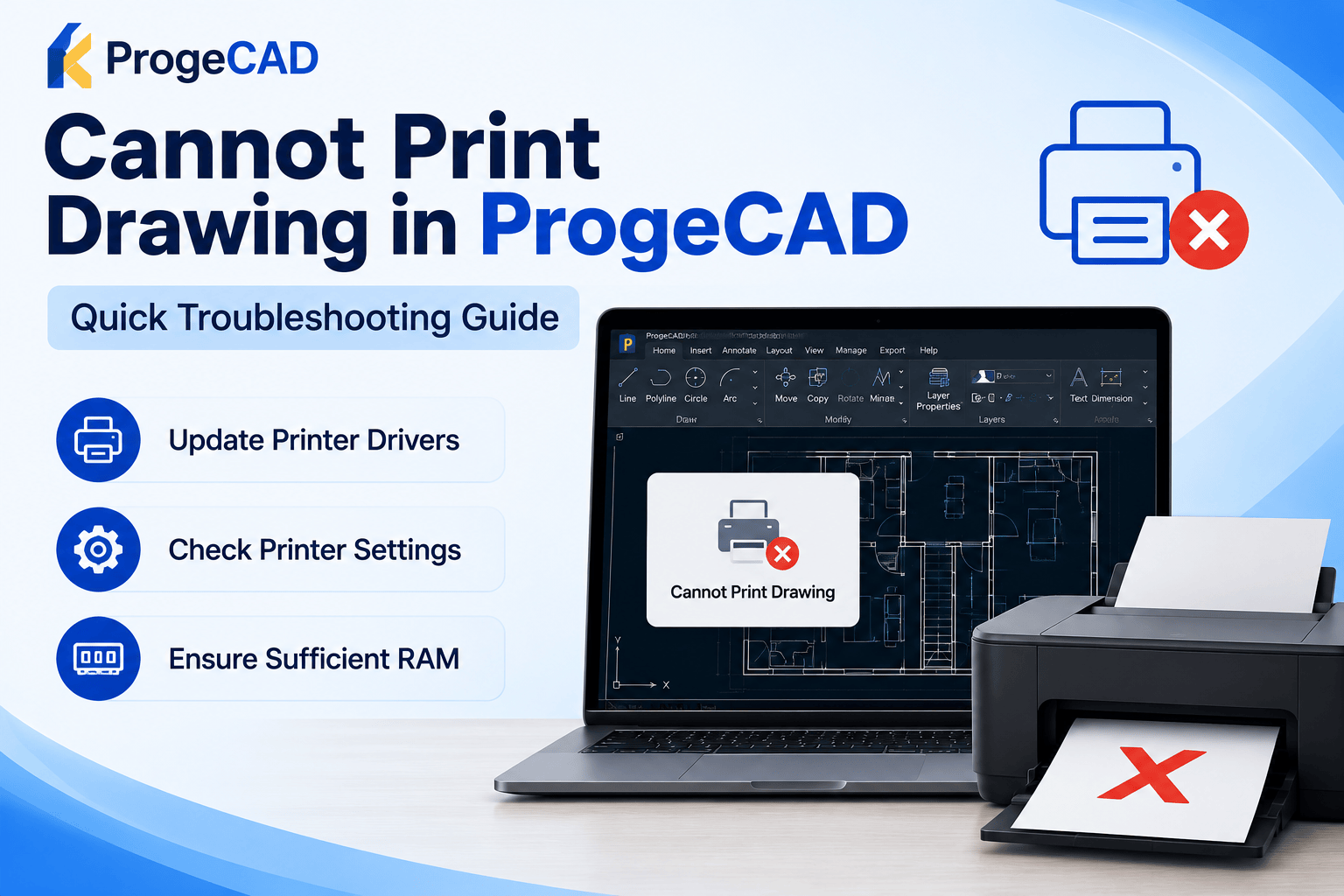
How to Fix Printing Problems in ProgeCAD
If you are unable to print a drawing in ProgeCAD, the issue is usually related to your printer driver, printer configuration, or available system resources. Follow the troubleshooting steps below to resolve common printing problems.
1. Update Your Printer Drivers
Download and install the latest printer driver from your printer manufacturer's official website. Outdated or incompatible drivers can cause print jobs to fail or produce incorrect output.
2. Check Printer Processing Settings
Open your printer properties and verify that print jobs are processed by the computer instead of the printer whenever possible. Some printers have limited onboard memory and may not be able to process complex CAD drawings efficiently.
3. Verify System Memory
Large or detailed DWG files require sufficient system RAM. If ProgeCAD freezes, displays an error, or the print job fails, consider closing unnecessary applications or upgrading your computer's memory.
4. Test with Another Printer or PDF Driver
Try printing the drawing using the ProgeCAD PDF printer or another installed printer. If the drawing prints successfully, the issue is likely related to the original printer or its driver.
5. Restart and Try Again
- Restart ProgeCAD.
- Restart the printer.
- Clear any pending print jobs.
- Open the drawing again and retry printing.
Need Help?
If you continue experiencing printing problems in ProgeCAD, Murari Software Solutions can assist with printer configuration, driver compatibility, ProgeCAD installation, and technical support to help you print your drawings successfully.