
DWG File Format Versions Explained | Complete Version History Guide
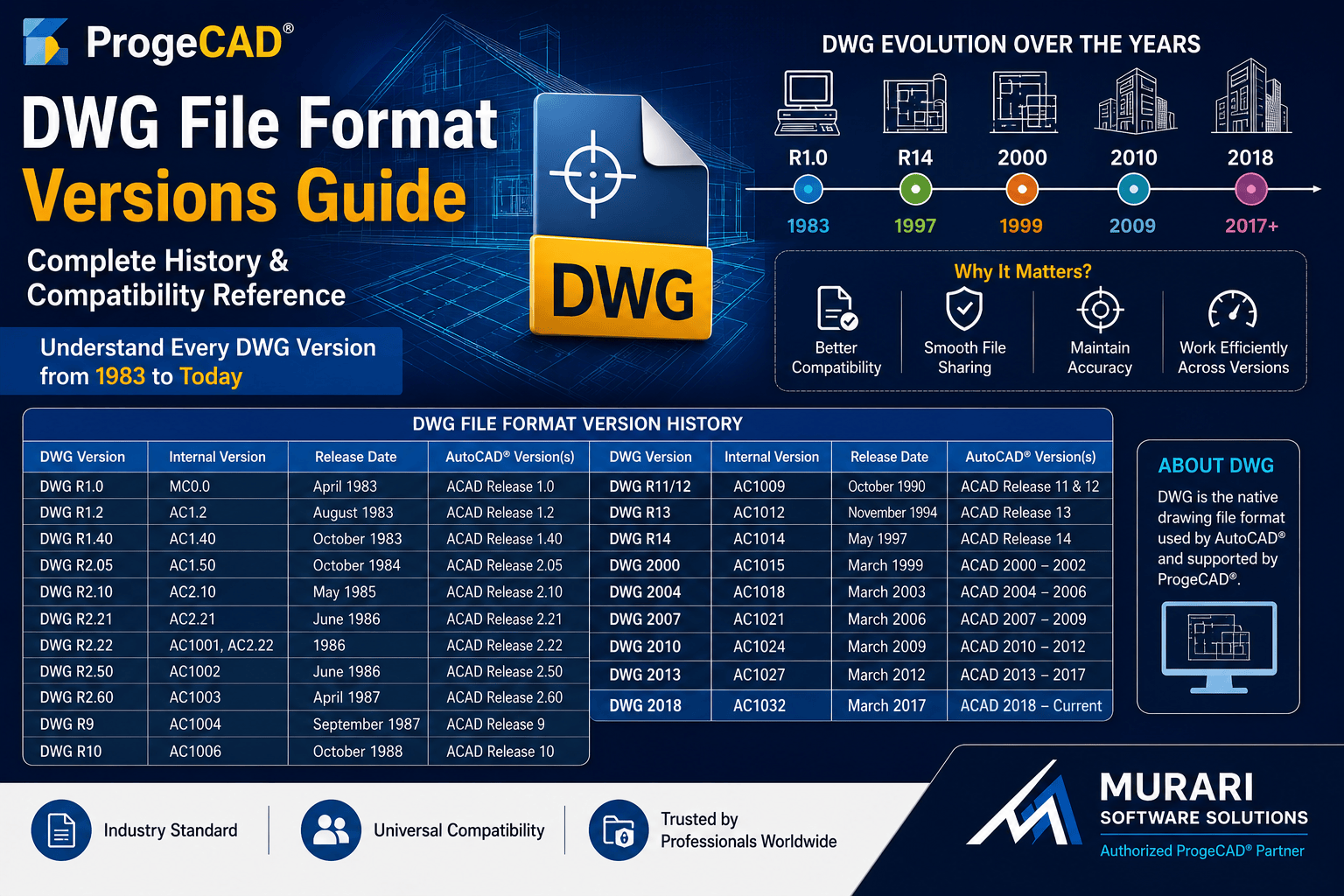
DWG File Format Versions Explained
The DWG file format is one of the most widely used standards in the CAD industry. It has evolved over several decades, with each major release introducing new features, improved performance, and enhanced compatibility.
Whether you use ProgeCAD or AutoCAD®, understanding DWG versions helps you save drawings in the correct format and avoid compatibility issues when sharing files with clients, vendors, or project teams.
What is a DWG File?
DWG is the native file format used to store 2D drawings, 3D models, annotations, layouts, and design data. It is supported by many professional CAD applications, including ProgeCAD.
DWG File Format Version History
| DWG Version | Internal Version | Release Date | AutoCAD® Version |
|---|---|---|---|
| DWG R1.0 | MC0.0 | April 1983 | Release 1.0 |
| DWG R1.2 | AC1.2 | August 1983 | Release 1.2 |
| DWG R1.40 | AC1.40 | October 1983 | Release 1.40 |
| DWG R2.05 | AC1.50 | October 1984 | Release 2.05 |
| DWG R2.10 | AC2.10 | May 1985 | Release 2.10 |
| DWG R2.21 | AC2.21 | June 1986 | Release 2.21 |
| DWG R2.22 | AC1001 | 1986 | Release 2.22 |
| DWG R2.50 | AC1002 | June 1986 | Release 2.50 |
| DWG R2.60 | AC1003 | April 1987 | Release 2.60 |
| DWG R9 | AC1004 | September 1987 | Release 9 |
| DWG R10 | AC1006 | October 1988 | Release 10 |
| DWG R11/R12 | AC1009 | October 1990 | Release 11 & 12 |
| DWG R13 | AC1012 | November 1994 | Release 13 |
| DWG R14 | AC1014 | May 1997 | Release 14 |
| DWG 2000 | AC1015 | March 1999 | 2000–2002 |
| DWG 2004 | AC1018 | March 2003 | 2004–2006 |
| DWG 2007 | AC1021 | March 2006 | 2007–2009 |
| DWG 2010 | AC1024 | March 2009 | 2010–2012 |
| DWG 2013 | AC1027 | March 2012 | 2013–2017 |
| DWG 2018 | AC1032 | March 2017 | 2018–Current |
Why DWG Versions Matter
Different CAD software versions support different DWG formats. Saving a drawing in an unsupported version may prevent others from opening the file correctly.
When collaborating with clients or project teams, always save drawings in a DWG version compatible with the software they are using.
DWG Compatibility in ProgeCAD
ProgeCAD provides excellent DWG compatibility and allows users to open, edit, and save drawings in multiple DWG versions. This makes it easy to exchange files with AutoCAD® users while maintaining drawing accuracy and native DWG support.
Conclusion
Understanding DWG file versions helps prevent compatibility problems and ensures smooth collaboration across different CAD platforms. ProgeCAD makes working with various DWG formats simple, allowing professionals to exchange drawings confidently without unnecessary file conversions.