
Dynamic Input Mode in ProgeCAD | Enable or Disable DYNMODE
Dynamic Input Mode in ProgeCAD
ProgeCAD includes a powerful feature called Dynamic Input Mode, controlled by the DYNMODE system variable. This feature displays command prompts and input fields directly near the cursor, allowing users to work without constantly looking at the command line.
What is DYNMODE?
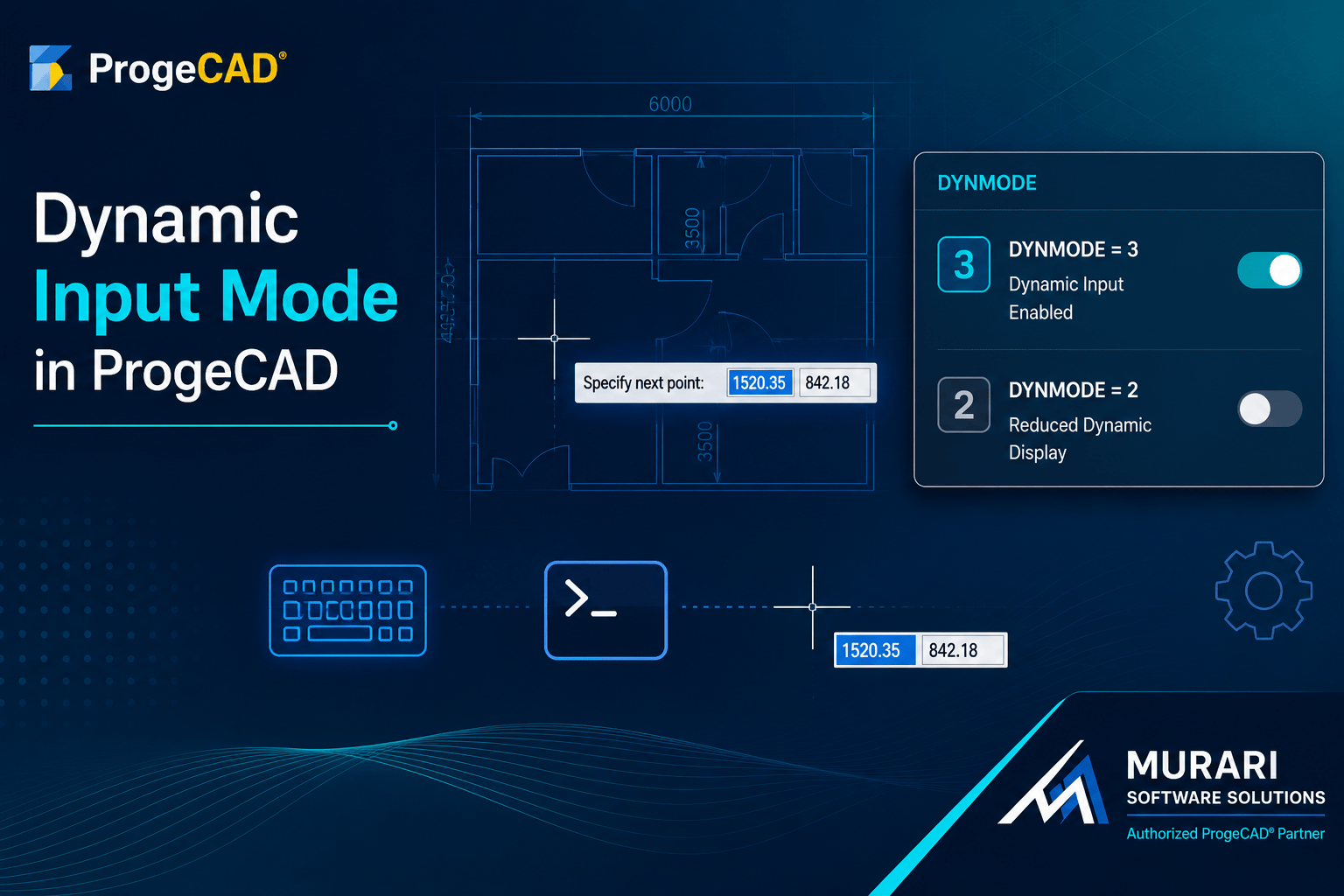
DYNMODE is a system variable that controls the dynamic command display in ProgeCAD. By default, its value is set to 3, which enables dynamic command prompts and input boxes on the drawing screen.
How to Disable Dynamic Command Display
If you prefer working primarily with the traditional command line, you can reduce the dynamic display by changing the DYNMODE value.
Open the command line, type DYNMODE, press Enter, and set the value to 2. This reduces the dynamic input features displayed on screen while continuing to use the command line for input.
How to Enable Dynamic Input Again
You can restore the default behavior at any time by typing DYNMODE and changing the value back to 3.
Benefits of Dynamic Input
Dynamic Input helps improve drafting speed by displaying command options close to the cursor, minimizing mouse movement between the drawing area and the command line. Many CAD professionals prefer this workflow because it makes drawing and editing more efficient.
Conclusion
Whether you prefer Dynamic Input enabled or disabled, ProgeCAD allows you to customize your drafting environment to match your workflow. Simply adjust the DYNMODE system variable whenever you want to switch between dynamic command display and the traditional command line experience.