
Blog · 08-May-2025
How to Edit Locked iCADLib Blocks in ProgeCAD Using REFEDIT
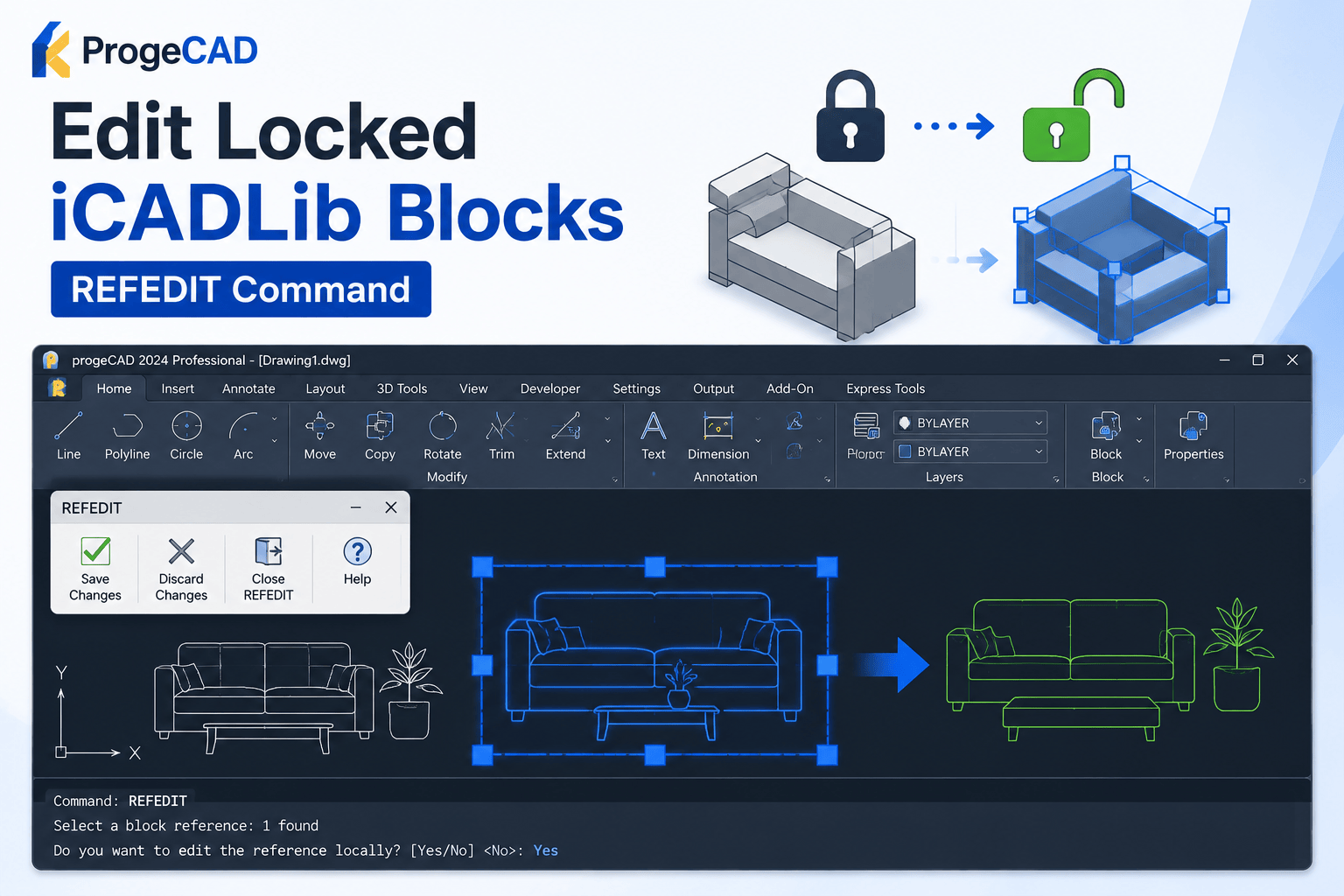
How to Edit Locked iCADLib Blocks in ProgeCAD
Some iCADLib blocks in ProgeCAD are protected and cannot be edited directly. To modify these blocks, you should use the REFEDIT (Reference Edit) command, which allows you to edit the block locally without affecting the original library until you save your changes.
Steps to Edit Locked iCADLib Blocks
- Open your drawing in ProgeCAD.
- Type REFEDIT in the command line and press Enter.
- Select the iCADLib block you want to modify.
- When prompted, click Yes to enable Local Editing.
- Make the required changes to the block.
- Click the Save Changes button on the REFEDIT toolbar displayed at the top-left of the ProgeCAD window.
- Close REFEDIT mode to apply the modifications.
Tips for Successful Block Editing
- Always save your edits before exiting REFEDIT mode.
- Use local editing to safely modify block instances.
- Keep a backup of important drawings before making major changes.
- Verify the updated block after saving to ensure all modifications are applied correctly.
Need Help with ProgeCAD?
Murari Software Solutions is an authorized ProgeCAD distributor in India, providing technical support for installation, licensing, block editing, customization, and CAD workflow optimization. Contact our team for expert assistance with ProgeCAD.