
ProgeCAD 2019 Professional Features | What's New, Improvements & Download
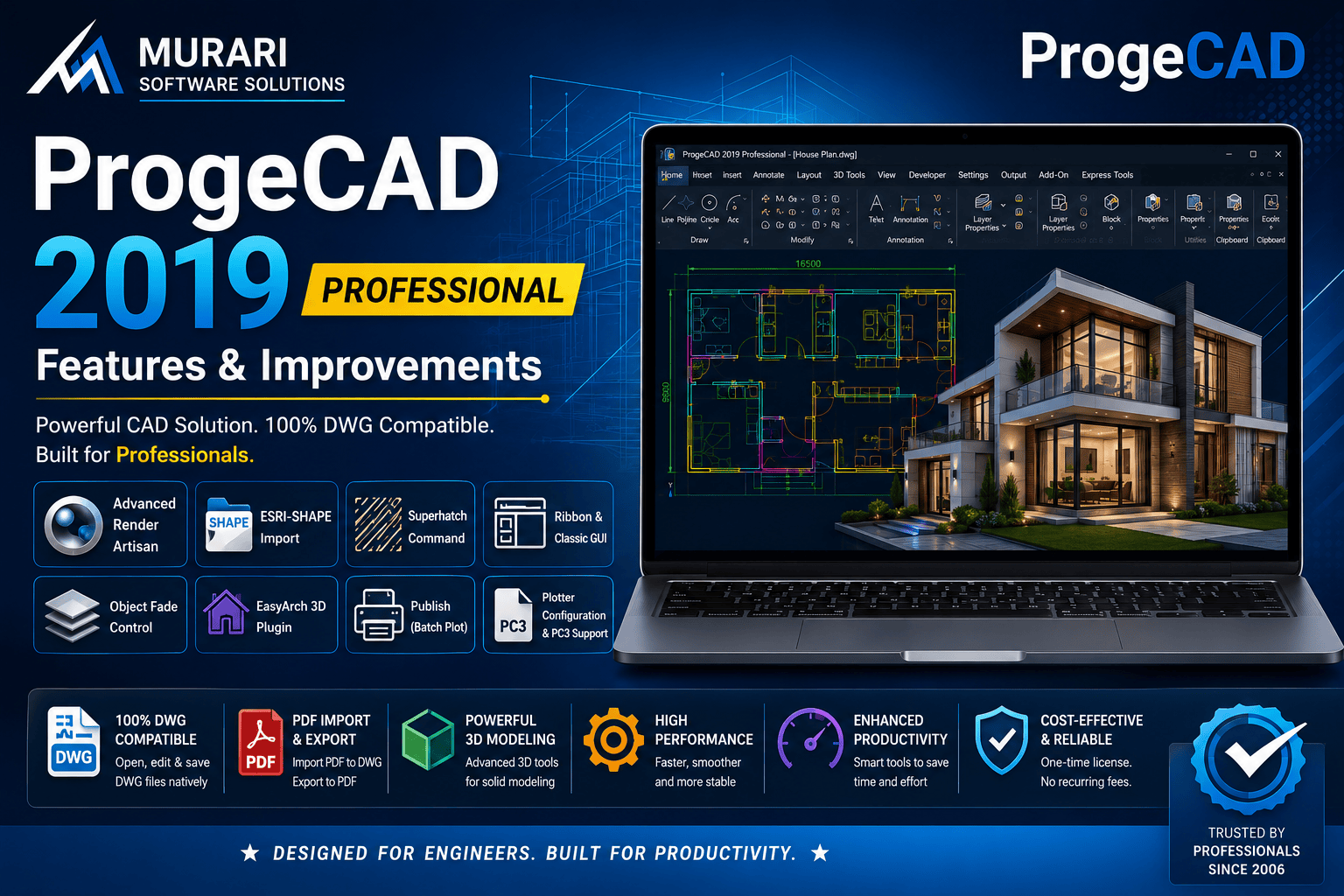
ProgeCAD 2019 Professional Features and Improvements
ProgeCAD 2019 Professional introduced several powerful enhancements that improved drafting speed, DWG compatibility, and overall user productivity. Built on the IntelliCAD engine, ProgeCAD 2019 provides a familiar CAD environment for engineers, architects, manufacturers, surveyors, and construction professionals while offering a cost-effective alternative to expensive CAD subscriptions.
The software maintains full compatibility with DWG and DXF files, allowing users to collaborate easily with clients and consultants using AutoCAD®. Existing drawings, templates, blocks, layers, dimensions, and plotting configurations can be opened and edited without conversion.
Major Features of ProgeCAD 2019 Professional
Improved DWG Compatibility
ProgeCAD 2019 offers reliable support for the latest DWG file formats while maintaining compatibility with older drawing versions. This ensures smooth collaboration across multiple CAD platforms.
Enhanced PDF Import and Export
Import vector PDF drawings directly into editable CAD entities and export high-quality PDF files for clients, approvals, and documentation.
Powerful 2D Drafting Tools
Create professional engineering drawings using advanced tools for dimensions, hatches, leaders, layers, text styles, blocks, external references, and layouts.
Advanced 3D Modeling
Design solid models using ACIS 3D technology. Create, edit, and visualize complex mechanical and architectural models with professional precision.
Dynamic Blocks Support
Use existing dynamic blocks from AutoCAD® and edit them efficiently inside ProgeCAD, reducing repetitive drafting work.
PDF to DWG Conversion
Convert vector PDF files into editable DWG drawings, making it easier to modify legacy documentation without redrawing from scratch.
Raster Image Management
Attach, scale, rotate, and manage raster images directly inside your drawings for tracing, presentations, and documentation.
Productivity Improvements
ProgeCAD 2019 includes numerous interface improvements, command enhancements, faster file handling, better memory management, and improved overall software stability for daily production work.
Who Should Use ProgeCAD 2019?
ProgeCAD 2019 Professional is suitable for:
Mechanical Engineers
Civil Engineers
Architects
Interior Designers
Surveyors
Construction Companies
Educational Institutions
Manufacturing Industries
Benefits of Upgrading to ProgeCAD 2019
Users upgrading from previous versions benefit from improved performance, better DWG compatibility, faster drafting tools, enhanced PDF workflows, and greater reliability for large engineering projects.
Download ProgeCAD 2019 Professional
If you want to evaluate ProgeCAD 2019 Professional before purchasing, you can download the free trial version from the official ProgeCAD India website. The trial includes the complete feature set, allowing you to explore its drafting, design, and 3D modeling capabilities before making your decision.
DownloadMurari Software Solutions is the authorized ProgeCAD distributor in India, providing genuine licenses, technical support, product guidance, and upgrade assistance for businesses and professionals.
Conclusion
ProgeCAD 2019 Professional remains a dependable CAD solution for professionals seeking full DWG compatibility without recurring subscription costs. Its combination of advanced drafting tools, 3D modeling capabilities, PDF workflows, and excellent performance makes it an ideal choice for engineering, architecture, manufacturing, and construction industries.