
ProgeCAD 2020 Professional Features & Improvements | Complete Overview
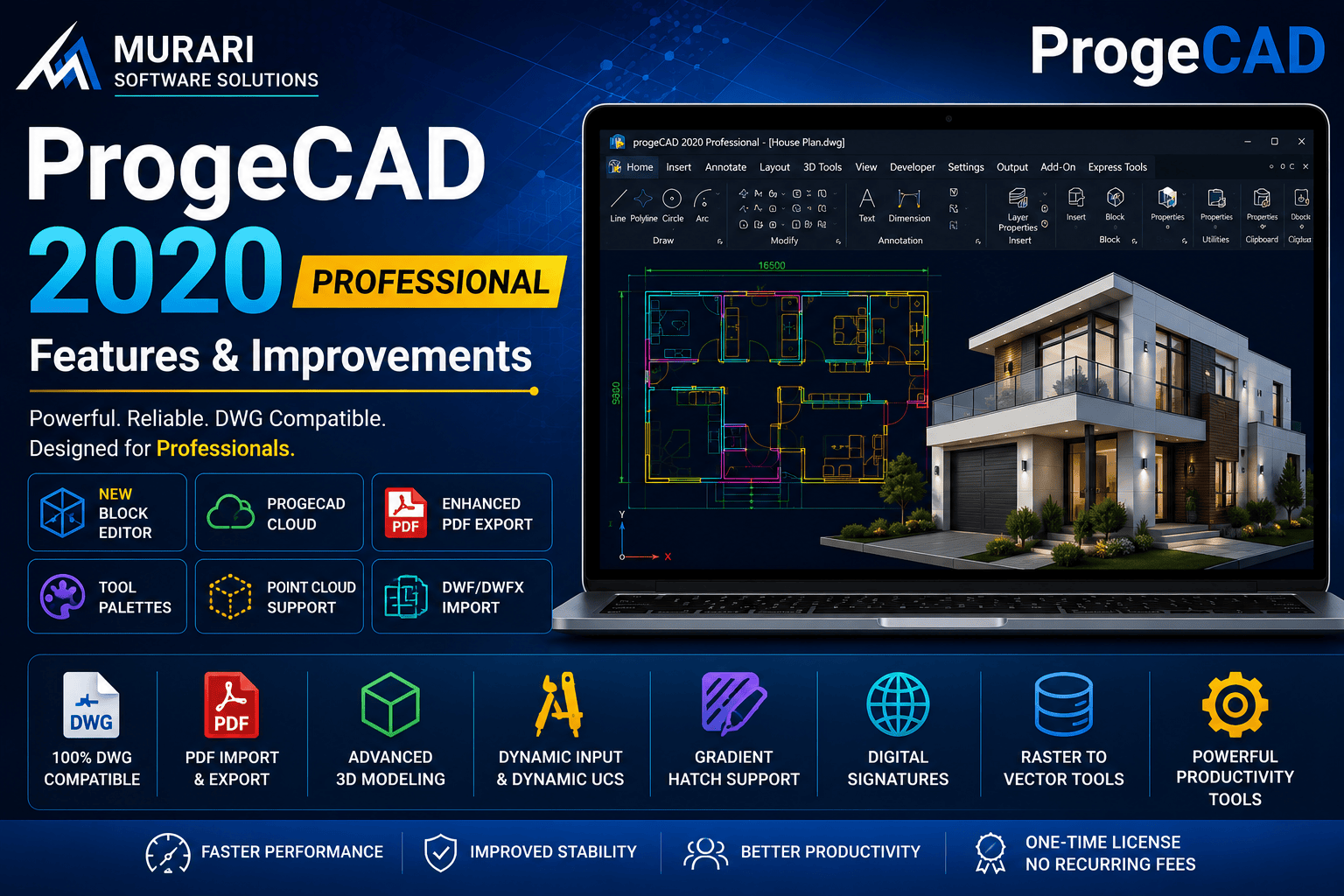
ProgeCAD 2020 Professional Features & Improvements
ProgeCAD 2020 Professional introduced major enhancements that improved drafting speed, DWG compatibility, productivity, and 3D design capabilities. Built on an updated IntelliCAD engine, ProgeCAD 2020 delivers a familiar CAD environment while adding modern tools for architects, engineers, designers, manufacturers, and construction professionals.
Whether you are upgrading from an older version of ProgeCAD or searching for an affordable alternative to AutoCAD®, ProgeCAD 2020 offers professional CAD functionality without subscription costs.
Highlights of ProgeCAD 2020 Professional
Some of the most useful improvements available in ProgeCAD 2020 include:
- Updated IntelliCAD engine for improved stability and performance.
- Enhanced DWG compatibility for seamless collaboration.
- New Block Editor for creating and modifying blocks.
- Tool Palettes with drag-and-drop support.
- Improved Block Palette.
- Dynamic Input and Dynamic UCS enhancements.
- Advanced PDF export with searchable text.
- DWF and DWFx import and conversion.
- Cloud storage integration.
- Improved Point Cloud support.
- AEC object visualization.
- Raster editing and Raster-to-Vector tools.
- 3D PDF Export.
- Gradient Hatch support.
- Digital Signatures for DWG files.
- New construction and editing commands.
Better Productivity for Everyday Drafting
ProgeCAD 2020 includes several workflow improvements designed to reduce repetitive work. Features such as Tool Palettes, Property Tree editing, Double Click customization, AddSelected, QuickWBlock, Block Editor, and Quick Block creation allow designers to complete projects faster while maintaining drawing accuracy.
Powerful 2D and 3D CAD Tools
The software provides complete support for professional 2D drafting and advanced 3D modeling. Users can work with ACIS solids, Dynamic UCS, Camera views, 3D PDF Export, STL Export, Collada Export, and numerous rendering options suitable for engineering and architectural projects.
Improved File Compatibility
ProgeCAD 2020 works natively with DWG files and supports numerous industry-standard formats including DXF, DGN, PDF, DWF, DWFx, STEP, IGES, ECW, MrSID, JPEG2000, and Point Cloud files. This makes collaboration with customers and consultants much easier.
Cloud and Collaboration Features
Integrated cloud support allows drawings to be stored and accessed from popular cloud services such as Google Drive, Dropbox, and Microsoft OneDrive, making project sharing much more convenient.
New Commands in ProgeCAD 2020
Several useful commands were introduced including:
- BEDIT (Block Editor)
- Construction Line
- MULTIPLOT
- ARRAYPATH
- AREATEXT
- ADDSELECTED
- QUICKWBLOCK
- CAMERA
- CHANGEBLOCK
- RENAMEBLOCK
Why Upgrade to ProgeCAD 2020?
Compared to previous versions, ProgeCAD 2020 delivers better performance, improved interface customization, stronger DWG compatibility, faster editing tools, enhanced PDF workflows, better cloud integration, and many new productivity commands that simplify daily CAD work.
Download ProgeCAD 2020
If you want to experience these features, you can download ProgeCAD 2020 Professional from our download section. The trial version allows you to evaluate all major features before purchasing.
Need Assistance?
Murari Software Solutions is an authorized ProgeCAD distributor in India. We provide genuine licenses, technical support, installation assistance, migration guidance, and upgrade services for businesses and professionals.