
How to Choose the Right CAD Software for Your Business in 2026
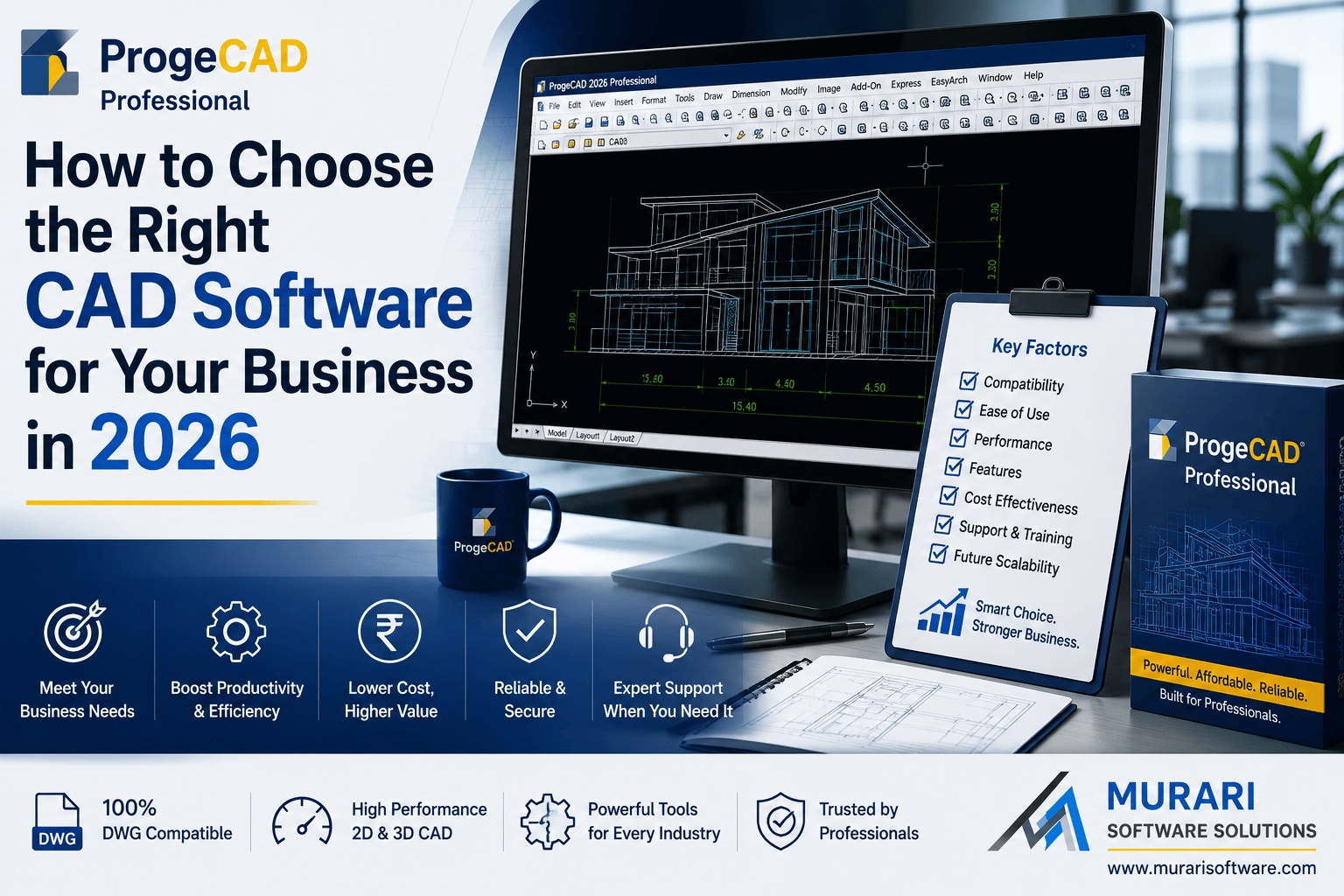
How to Choose the Right CAD Software for Your Business
Selecting the right CAD software is one of the most important decisions for architects, engineers, designers, manufacturers, and construction professionals. A good CAD solution should not only meet your current project requirements but also provide long-term value, compatibility, and reliable technical support.
With many CAD applications available today, comparing features alone is not enough. You should also evaluate licensing, compatibility, company reputation, and ongoing costs before making your investment.
1. Ensure Native DWG Compatibility
DWG and DXF remain the industry-standard file formats for technical drawings. Choose software that works with these formats natively to avoid conversion issues, data loss, or collaboration problems.
2. Consider the Total Cost of Ownership
The initial purchase price is only part of the investment. Compare long-term expenses such as subscriptions, maintenance, upgrades, and licensing policies. Perpetual licensing can often provide better value for businesses that plan to use the software for many years.
3. Evaluate Performance and Productivity
Professional CAD software should provide fast drawing performance, efficient editing tools, reliable printing, and smooth handling of large DWG files. Modern productivity features can significantly reduce drafting time.
4. Verify the Vendor's Reputation
Choose software from an established company with a proven history of product development and customer support. A trusted vendor is more likely to provide regular updates, security improvements, and long-term product stability.
5. Check Licensing Flexibility
Different organizations have different licensing requirements. Whether you need a standalone license, network license, or enterprise deployment, ensure the licensing model matches your team's workflow.
6. Assess Technical Support
Reliable technical support is essential, especially for businesses that rely on CAD software every day. Working with an authorized local partner can simplify installation, activation, training, and troubleshooting.
7. Compare Features That Matter
- Native DWG compatibility
- 2D drafting tools
- 3D modeling capabilities
- PDF import and export
- Dynamic Block support
- LISP compatibility
- Printing and plotting tools
- Customization options
8. Try Before You Buy
Most professional CAD software offers a trial version. Testing the software with your existing drawings allows you to evaluate performance, compatibility, and usability before making a purchase.
Why Many Professionals Choose ProgeCAD
ProgeCAD combines professional drafting tools, native DWG compatibility, and perpetual licensing into an affordable CAD solution. It provides a familiar interface for users transitioning from other DWG-based CAD platforms while helping businesses reduce long-term software costs.
Conclusion
Choosing the right CAD software involves more than comparing prices. Consider compatibility, licensing, productivity, technical support, and long-term value before making your decision. A reliable CAD solution will improve efficiency and support your business for years to come.
Frequently Asked Questions
What should I look for when choosing CAD software?
Look for native DWG compatibility, professional drafting tools, flexible licensing, reliable technical support, and affordable long-term ownership costs.
Is perpetual licensing better than a subscription?
It depends on your business requirements. Many organizations prefer perpetual licenses because they avoid recurring subscription costs while retaining ownership of the software.
Can I use ProgeCAD with AutoCAD® DWG files?
Yes. ProgeCAD is designed to work with native DWG and DXF file formats, making collaboration with other DWG-based CAD users straightforward.