
How to Find the Area of a Hatch in ProgeCAD 2011 | Workaround & Solution
How to Find the Area of a Hatch in ProgeCAD 2011
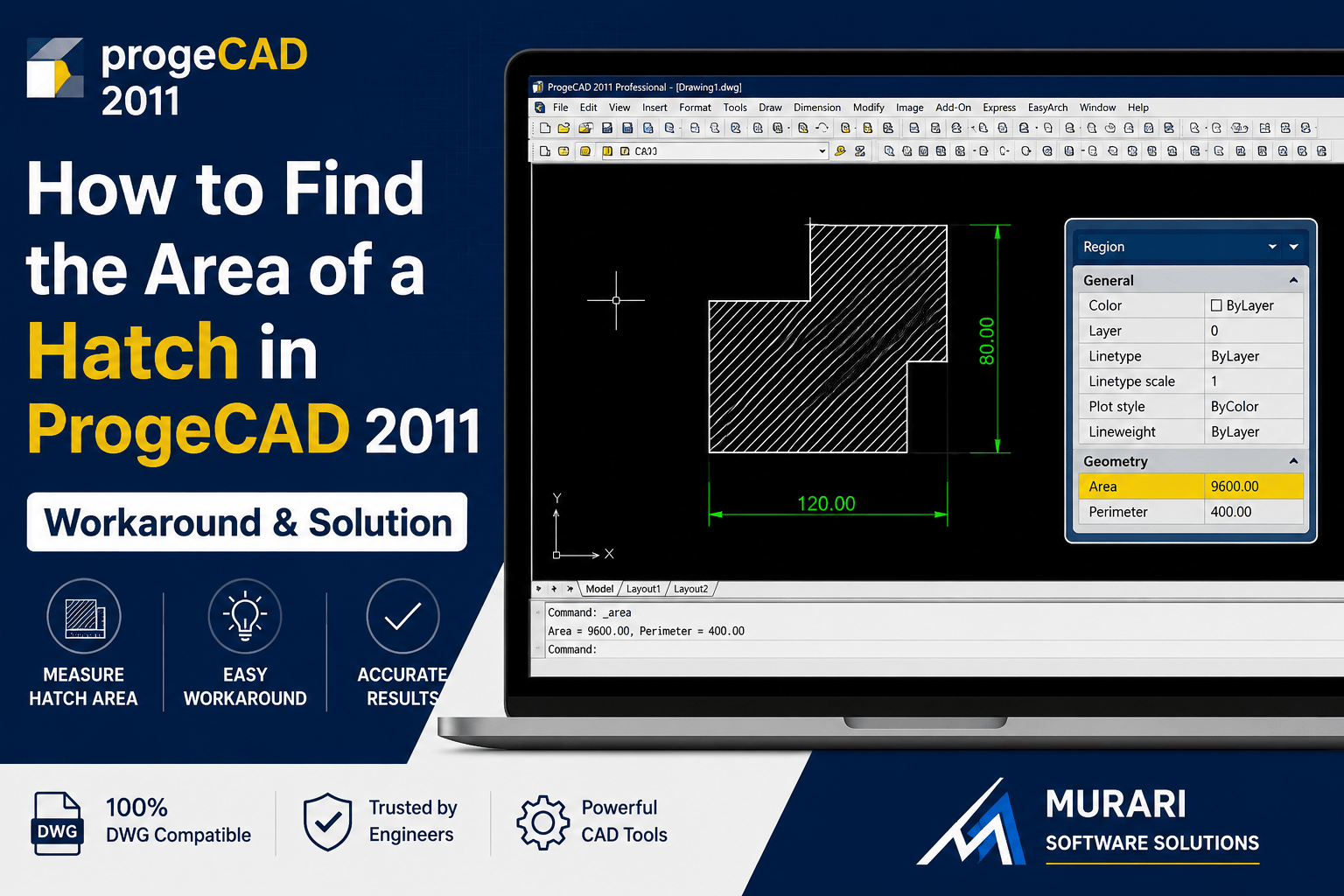
Some users notice that the Area property is not displayed when selecting a Hatch object in ProgeCAD 2011. This behavior is expected because the software version does not expose the hatch area directly in the Properties palette.
Why is the Hatch Area Missing?
In ProgeCAD 2011, hatch objects do not include a directly accessible Area property. This limitation was addressed in later versions of ProgeCAD, where additional object properties and improved measurement tools were introduced.
How to Calculate the Hatch Area
Until you upgrade to a newer version, you can still determine the hatch area by following these steps:
- Draw a closed Polyline around the boundary of the hatch.
- Ensure the polyline is completely closed.
- Select the polyline.
- Open the Properties palette or use the AREA command.
- The calculated area will represent the enclosed hatch region.
Recommended Solution
If you regularly work with hatch measurements, upgrading to a newer version of ProgeCAD is recommended. Recent versions include numerous improvements in drafting, object properties, performance, and measurement tools that simplify everyday CAD workflows.
Benefits of Upgrading
- Improved object properties
- Enhanced drafting tools
- Better DWG compatibility
- Improved performance with large drawings
- Modern CAD productivity features
Need Assistance?
Murari Software Solutions provides genuine ProgeCAD licenses, upgrades, installation support, and technical assistance for customers across India. If you're unsure which version best suits your workflow, our team can help you choose the right solution.
Frequently Asked Questions
Why can't I see the hatch area in ProgeCAD 2011?
ProgeCAD 2011 does not provide the Area property for hatch objects. This functionality was improved in later releases.
How do I calculate the area of a hatch?
Create a closed polyline around the hatch boundary and use the Properties palette or the AREA command to obtain the enclosed area.
Is this limitation fixed in newer ProgeCAD versions?
Yes. Newer ProgeCAD versions include improved object properties, enhanced measurement tools, and better drafting capabilities.