
How to Fix PDF to DXF Conversion Not Working in ProgeCAD
How to Fix PDF to DXF Conversion Not Working in ProgeCAD
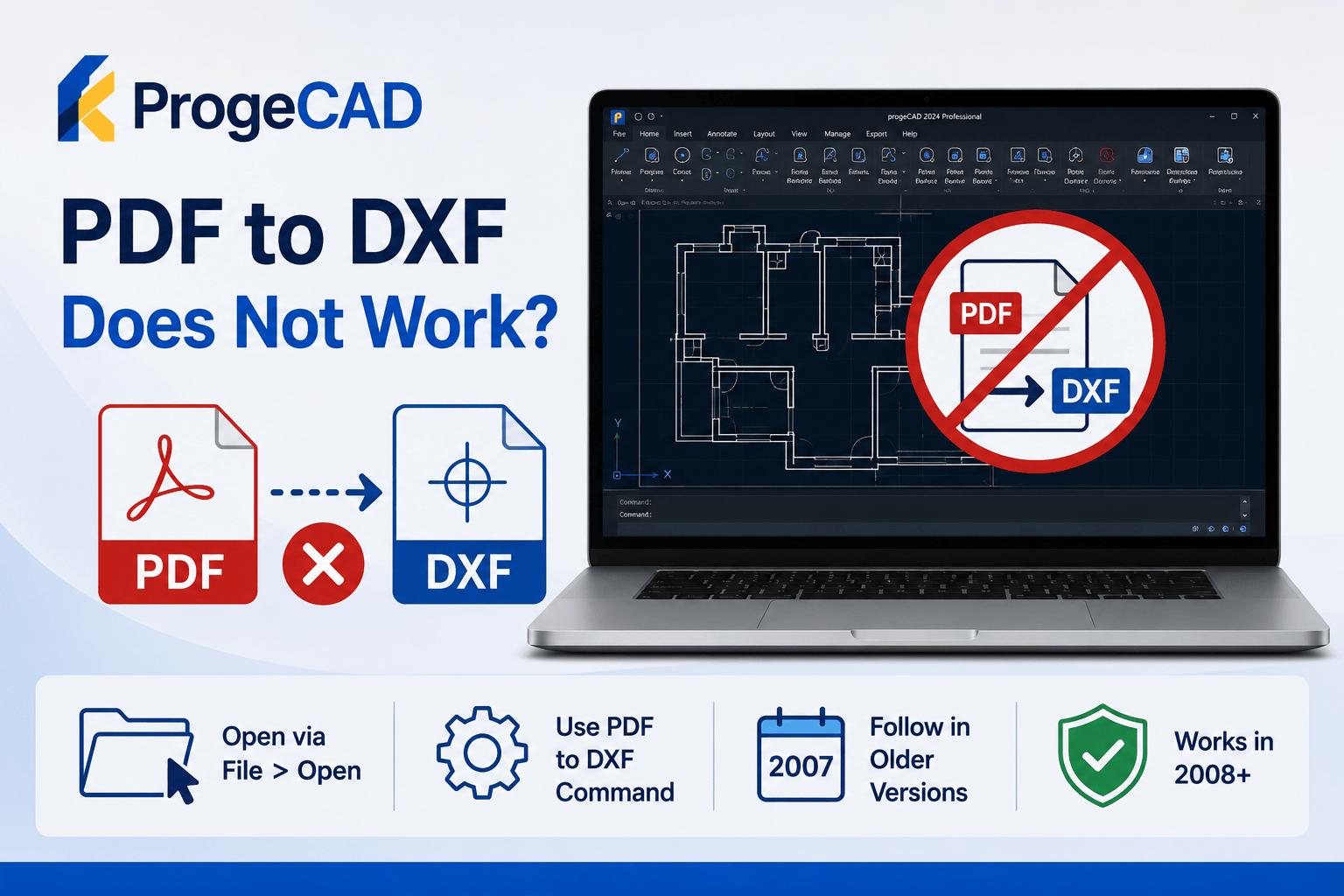
If the PDF to DXF command is not working in ProgeCAD, the issue may depend on the software version and the way the drawing is opened. Older versions require a specific workflow for the conversion tool to function correctly.
For ProgeCAD 2007 and Earlier
Do not open the DWG file by double-clicking it from Windows Explorer. This prevents the VBA components required by the PDF to DXF command from loading correctly.
- Start ProgeCAD first.
- Select File > Open.
- Open the required DWG drawing from within ProgeCAD.
- Run the PDF to DXF command.
Opening the drawing through the File menu ensures the required VBA modules are loaded before the conversion starts.
For ProgeCAD 2008 and Later
This issue was resolved in ProgeCAD 2008 and newer versions. PDF to DXF conversion works without requiring the special startup procedure used in older releases.
Additional Tips
- Use the latest available service pack for your ProgeCAD version.
- Open drawings from inside ProgeCAD whenever possible.
- Verify that the PDF file is not password protected or corrupted.
- Restart ProgeCAD if the conversion command becomes unavailable.
Need Help?
If PDF to DXF conversion continues to fail, contact the Murari Software Solutions support team. We can help diagnose version-specific issues, installation problems, and conversion errors to get your workflow running smoothly.