
ProgeCAD 2017 Features and Improvements | Complete Overview
ProgeCAD 2017 Features and Improvements
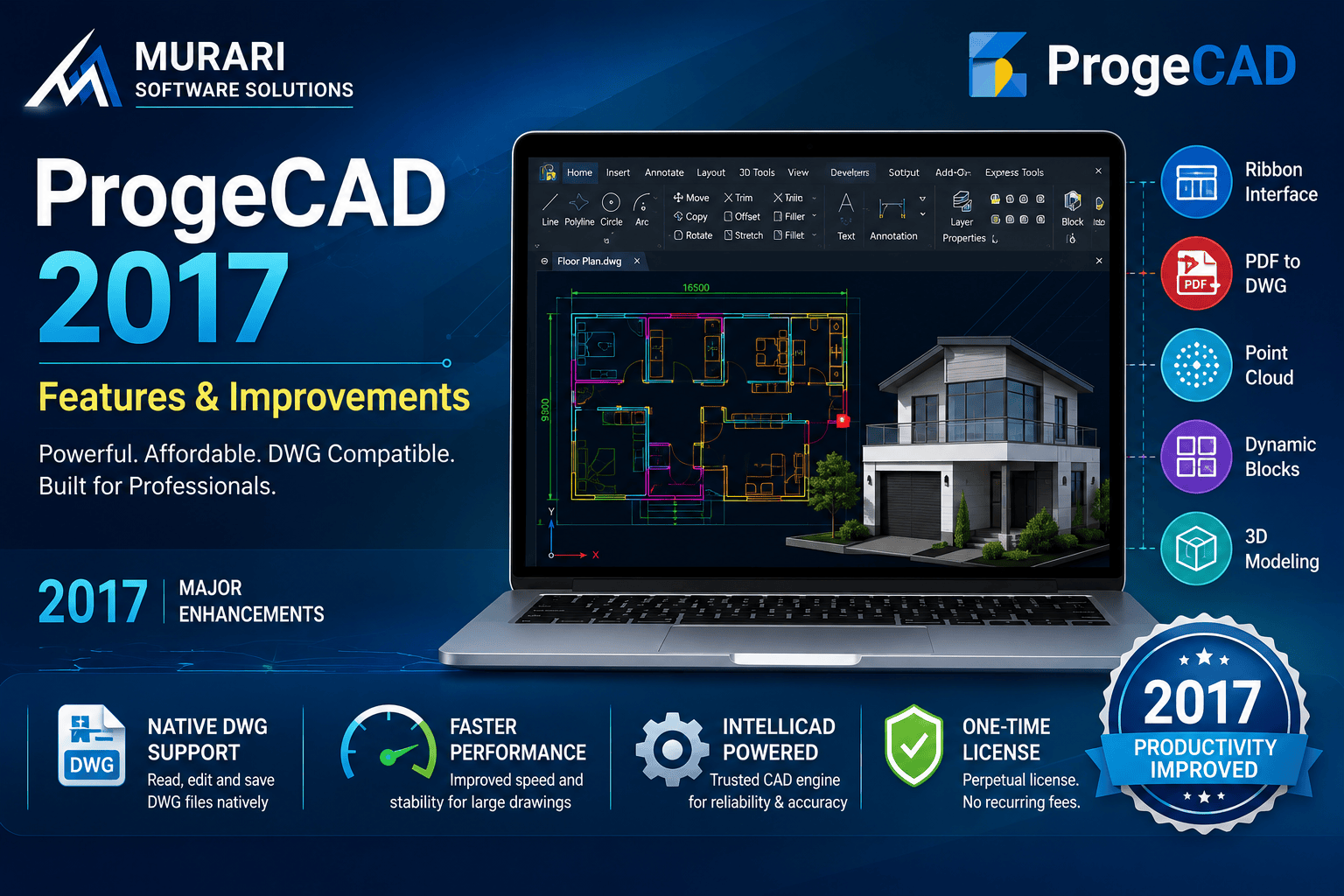
ProgeCAD 2017 introduced several productivity enhancements and new CAD tools that made drafting faster, easier, and more compatible with industry-standard DWG files. Built on the IntelliCAD engine, ProgeCAD 2017 offers an affordable CAD solution for engineers, architects, manufacturers, designers, and construction professionals looking for powerful drafting software without recurring subscription costs.
Whether you are upgrading from an older version of ProgeCAD or switching from another CAD platform, ProgeCAD 2017 provides numerous workflow improvements while maintaining full compatibility with DWG and DXF files.
Major Features in ProgeCAD 2017
Native DWG file support without conversion.
Improved Ribbon interface for faster navigation.
PDF to DWG conversion.
Image to DXF conversion.
Point Cloud support for survey and scanning projects.
Enhanced 3D modeling tools.
Dynamic Blocks support.
Improved rendering performance.
New productivity commands and drafting enhancements.
LISP, VBA and customization support.
Why Upgrade to ProgeCAD 2017?
ProgeCAD 2017 significantly improves drafting efficiency while maintaining compatibility with existing DWG workflows. Users benefit from a familiar interface, lower software ownership costs, and professional CAD functionality suitable for daily engineering and architectural work.
Download ProgeCAD 2017
If you need ProgeCAD 2017 for an existing project or compatibility with legacy systems, you can download the installer below.
Download ProgeCAD 2017 (64-bit)
Who Should Use ProgeCAD 2017?
ProgeCAD 2017 is ideal for mechanical engineers, civil engineers, architects, surveyors, interior designers, fabrication companies, educational institutions, and manufacturing businesses requiring reliable DWG-based CAD software.
Download ProgeCAD 2017 Trial
If you want to experience these features yourself, download the free trial of ProgeCAD and explore its professional drafting capabilities before purchasing.
Conclusion
Although newer versions include additional improvements, ProgeCAD 2017 remains an important release that introduced several modern CAD tools still appreciated by many users. Its balance of performance, compatibility, and affordability makes it one of the most popular ProgeCAD releases.