
ProgeCAD 2018 Professional Features | What's New in ProgeCAD 2018
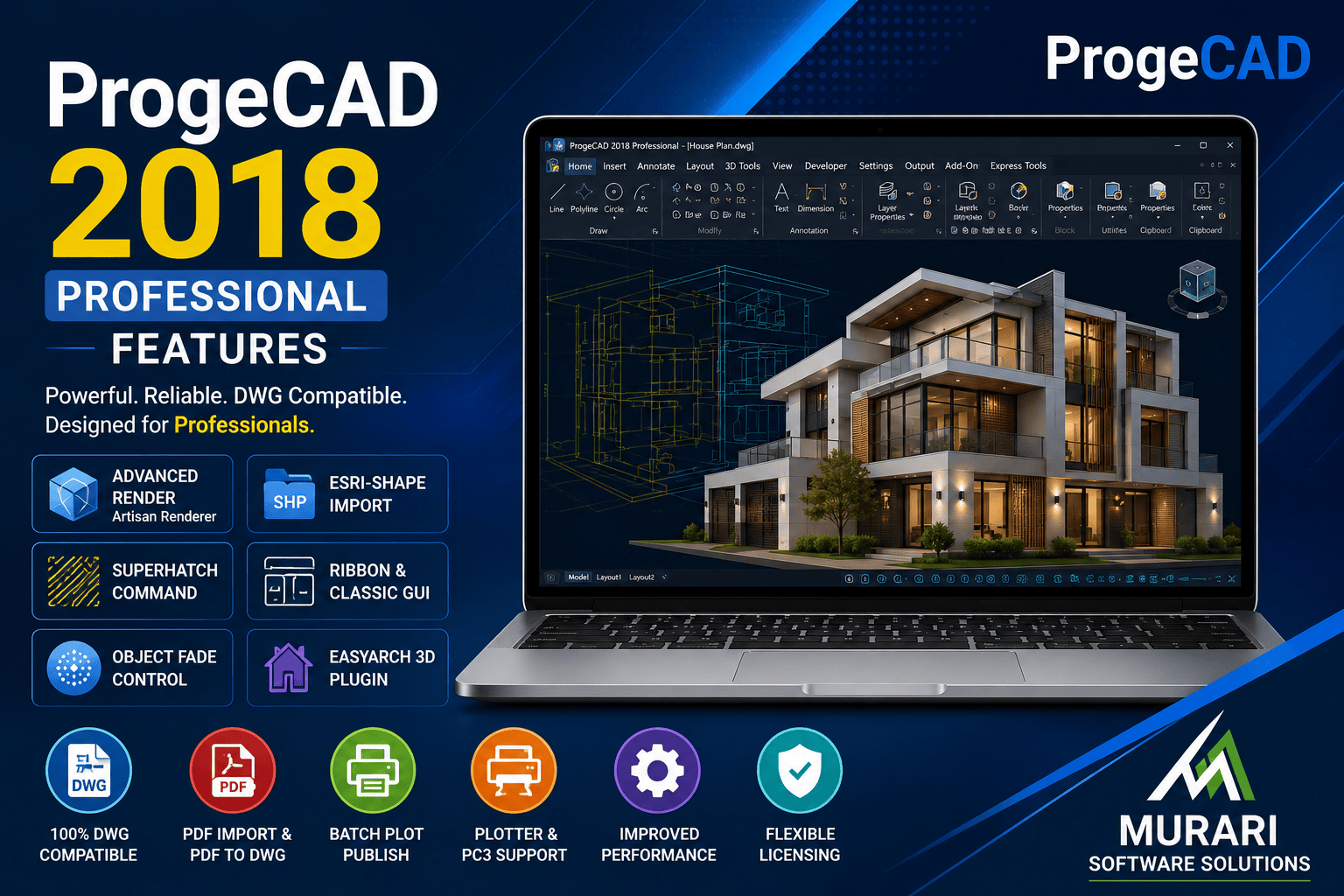
ProgeCAD 2018 Professional Features
ProgeCAD 2018 Professional introduced several important enhancements that improved productivity, performance, and compatibility for architects, engineers, designers, and drafting professionals. Built on the IntelliCAD engine, ProgeCAD offers complete DWG compatibility while providing a cost-effective alternative for businesses looking for professional CAD software.
Whether you are creating 2D drawings, editing complex layouts, or working on 3D models, ProgeCAD 2018 includes a wide range of tools designed to make drafting faster and more efficient. The software supports native DWG files, making collaboration with users of other CAD platforms simple without requiring file conversion.
Major Features in ProgeCAD 2018 Professional
Native DWG Compatibility
Open, edit, and save DWG files without conversion. This ensures smooth collaboration with clients, vendors, and project teams using different CAD applications.
Improved 2D Drafting Tools
ProgeCAD 2018 includes enhanced drafting commands, intelligent snapping, better object selection, and improved editing tools that help reduce design time.
Advanced 3D Modeling
Create solid models, perform 3D editing, generate realistic visualizations, and work efficiently with ACIS solid modeling tools.
Enhanced PDF Support
Import PDF drawings, convert PDF files into editable CAD geometry, and export professional-quality PDF documents directly from your drawings.
Image to DWG Conversion
Convert scanned drawings and raster images into editable vector objects, reducing the time needed to recreate existing paper drawings.
Dynamic Blocks
Use and edit Dynamic Blocks for reusable components that simplify repetitive drafting tasks and maintain drawing consistency.
Improved Rendering
Generate high-quality rendered models for presentations, client reviews, and architectural visualization.
Enhanced Performance
ProgeCAD 2018 delivers faster startup times, smoother handling of large drawings, and improved overall application stability.
Why Choose ProgeCAD 2018?
ProgeCAD 2018 Professional combines familiar CAD commands with modern drafting capabilities, making it an excellent choice for professionals transitioning from other CAD platforms. Its perpetual licensing model helps businesses reduce software costs without compromising professional CAD functionality.
Download ProgeCAD 2018 Professional
If you want to evaluate ProgeCAD 2018 Professional, you can download the installer from our official download page and experience its complete feature set before purchasing.
Download ProgeCAD 2018 Professional
Conclusion
ProgeCAD 2018 Professional remains a capable CAD solution for users requiring reliable DWG compatibility, advanced drafting tools, 3D modeling, PDF conversion, and long-term perpetual licensing. It continues to be a practical choice for professionals looking for powerful CAD software at an affordable price.