
Download ProgeCAD 2019 Full India Version
ProgeCAD 2019 Professional is a powerful DWG-native CAD software designed for architects, civil engineers, mechanical engineers, manufacturers, surveyors, and construction professionals. It delivers professional 2D drafting, advanced 3D modeling, and complete DWG compatibility without requiring an annual subscription.
Download the official 15-day evaluation version of ProgeCAD 2019 to experience PDF to DWG conversion, EasyArch architectural tools, iCADLib intelligent block library, AutoLISP compatibility, ACIS 3D solid modeling, Express Tools, and enhanced drafting productivity.
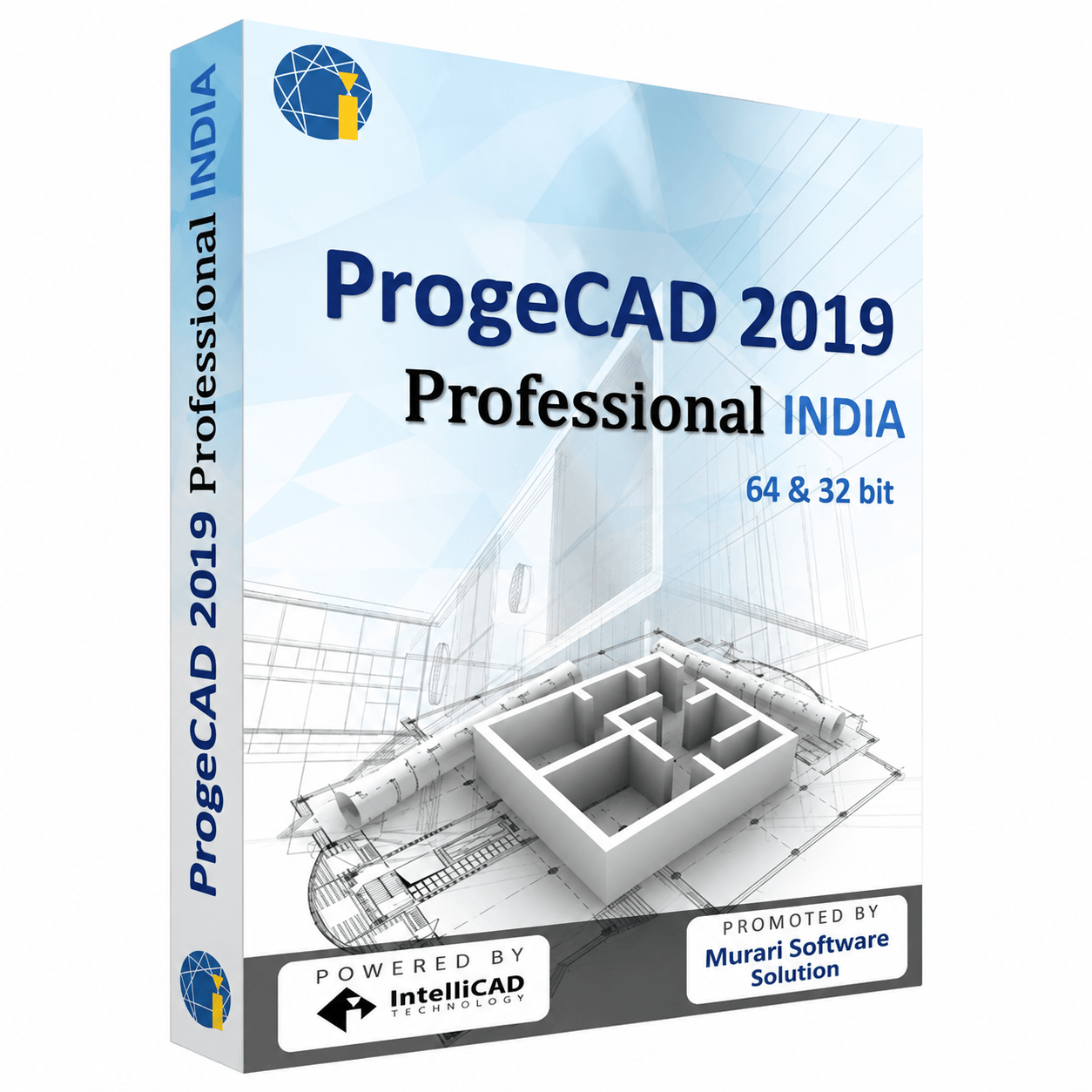
ProgeCAD 2019 package
What's New in ProgeCAD 2019
- Native DWG 2018 file format compatibility
- PDF to DWG Conversion
- EasyArch architectural drafting tools
- iCADLib intelligent block library
- AutoLISP & VBA compatibility
- ACIS 3D solid modeling engine
- Express Tools included
- Improved PDF Import & Export
- Enhanced Dimension and Annotation tools
- Performance and stability improvements
System Requirements
Download Details
Product: ProgeCAD Professional
Version: 2019
License: 15-Day Evaluation
Platform: Windows 64-bit
Language: English
Installer: Offline Setup
Drawing Format: Native DWG
PDF Support: PDF to DWG Conversion
Architecture: EasyArch Included
See ProgeCAD 2019 in action
Frequently Asked Questions
What is ProgeCAD 2019?
ProgeCAD 2019 Professional is a professional DWG-native CAD software designed for 2D drafting and 3D modeling. It offers complete DWG compatibility together with advanced tools for architecture, civil engineering, manufacturing, surveying, and mechanical design.
What are the key features of ProgeCAD 2019?
ProgeCAD 2019 includes PDF to DWG conversion, EasyArch architectural tools, iCADLib block library, AutoLISP support, ACIS 3D solid modeling, Express Tools, improved PDF import/export, and enhanced drafting productivity.
Is ProgeCAD 2019 compatible with AutoCAD® DWG files?
Yes. ProgeCAD 2019 works with the native DWG format, allowing users to open, edit, save, and exchange drawings seamlessly with AutoCAD® and other DWG-compatible software.
Does ProgeCAD 2019 support AutoLISP?
Yes. ProgeCAD 2019 provides AutoLISP compatibility, enabling users to automate repetitive drafting tasks and continue using existing LISP applications.
Does ProgeCAD 2019 include architectural tools?
Yes. EasyArch is included with ProgeCAD 2019, providing dedicated tools for creating walls, windows, doors, stairs, roofs, and other architectural elements.
Is a free trial available?
Yes. ProgeCAD 2019 Professional is available as a fully functional 15-day evaluation version, allowing you to test every feature before purchasing.
Which operating systems are supported?
ProgeCAD 2019 supports Microsoft Windows 7, Windows 8.1, and Windows 10 (64-bit editions).
Can I upgrade from older ProgeCAD versions?
Yes. Existing users can upgrade from earlier ProgeCAD releases while continuing to use their existing DWG drawings, templates, fonts, and custom settings.
Does ProgeCAD 2019 require an annual subscription?
No. ProgeCAD 2019 is available with a perpetual license, allowing users to own the software without recurring subscription costs.
Who should use ProgeCAD 2019?
ProgeCAD 2019 is ideal for architects, civil engineers, mechanical engineers, surveyors, manufacturers, interior designers, educational institutions, and CAD professionals seeking a reliable AutoCAD® alternative with native DWG compatibility.
Ready to try ProgeCAD 2019?
Get your free 15-day trial download link now, or buy a perpetual licence with expert support from India.