
ProgeCAD 2027 Features and Improvements: Complete Guide
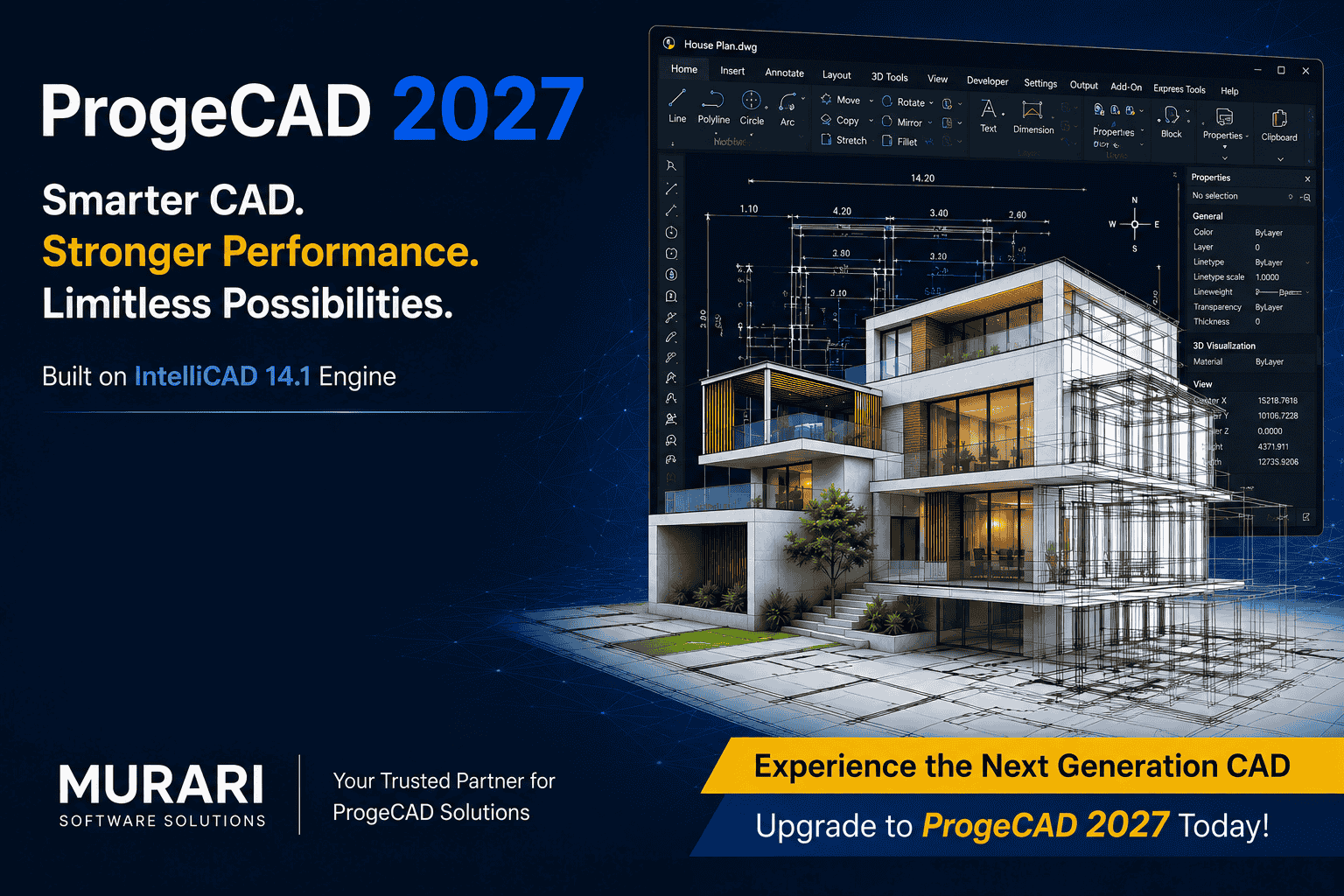
ProgeCAD 2027 Features and Improvements: Complete Guide
ProgeCAD 2027 Professional introduces the next generation of CAD productivity with improved performance, advanced drafting tools, enhanced compatibility, and smarter workflows for architects, engineers, and designers.
Built on the powerful IntelliCAD 14.1 engine, ProgeCAD 2027 delivers a faster, more responsive CAD experience with improved speed, stability, and efficiency.
What is New in ProgeCAD 2027?
The latest release focuses on improving everyday CAD operations while adding new tools for design, documentation, BIM, GIS, and automation workflows.
1. Faster CAD Performance
ProgeCAD 2027 brings major performance enhancements that help users work faster with large and complex drawings.
- Up to 63% faster object snapping
- Improved Copy, Move, Break and editing operations
- Faster drawing regeneration
- Better memory management
- Smoother handling of large projects
2. New Flex License for Flexible Working
The new Flex License allows professionals to use ProgeCAD across multiple working locations.
- Install on multiple computers
- Activate wherever you work
- Switch between office, home and project locations
- Continue working offline after activation
3. Improved CAD Productivity Tools
ProgeCAD 2027 introduces new commands designed to improve drawing speed and accuracy.
COMPARE Command
The new drawing comparison feature helps users identify changes between DWG files by showing added, removed, and modified objects.
Floating Drawing Windows
Users can move drawings outside the main interface and work efficiently with multiple monitors.
4. Enhanced PDF and DWG Workflow
The upgraded PDF-to-CAD workflow makes converting PDF documents into editable CAD drawings faster and easier.
5. BIM and GIS Improvements
ProgeCAD 2027 expands professional workflows with improved BIM and mapping capabilities.
- Autodesk Revit 2026 compatibility
- ESRI ArcGIS basemap support
- Improved GIS workflows
- Advanced terrain and engineering tools
6. New Tools for Architects and Engineers
- ISODRAFT for isometric drafting
- BARCODE creation inside drawings
- SVG import support
- Improved AEC features
- Advanced raster editing
- Enhanced LISP and API support
Why Choose ProgeCAD 2027?
- Powerful alternative CAD solution
- Strong DWG compatibility
- Faster drafting experience
- Flexible licensing
- Better productivity
- Professional BIM and GIS support
Upgrade to ProgeCAD 2027 with Murari Software Solutions
Murari Software Solutions provides genuine ProgeCAD licenses, upgrades, and technical support for CAD professionals and organizations.
Read: ProgeCAD 2027 Release News
Frequently Asked Questions
Is ProgeCAD 2027 compatible with DWG files?
Yes, ProgeCAD 2027 provides strong DWG compatibility for professional CAD workflows.
Who can use ProgeCAD 2027?
Architects, engineers, mechanical designers, civil engineers, and CAD professionals can benefit from ProgeCAD 2027.