
Blog · 10-Dec-2025
How to Fix ProgeCAD Freezing After a Windows 10 Update
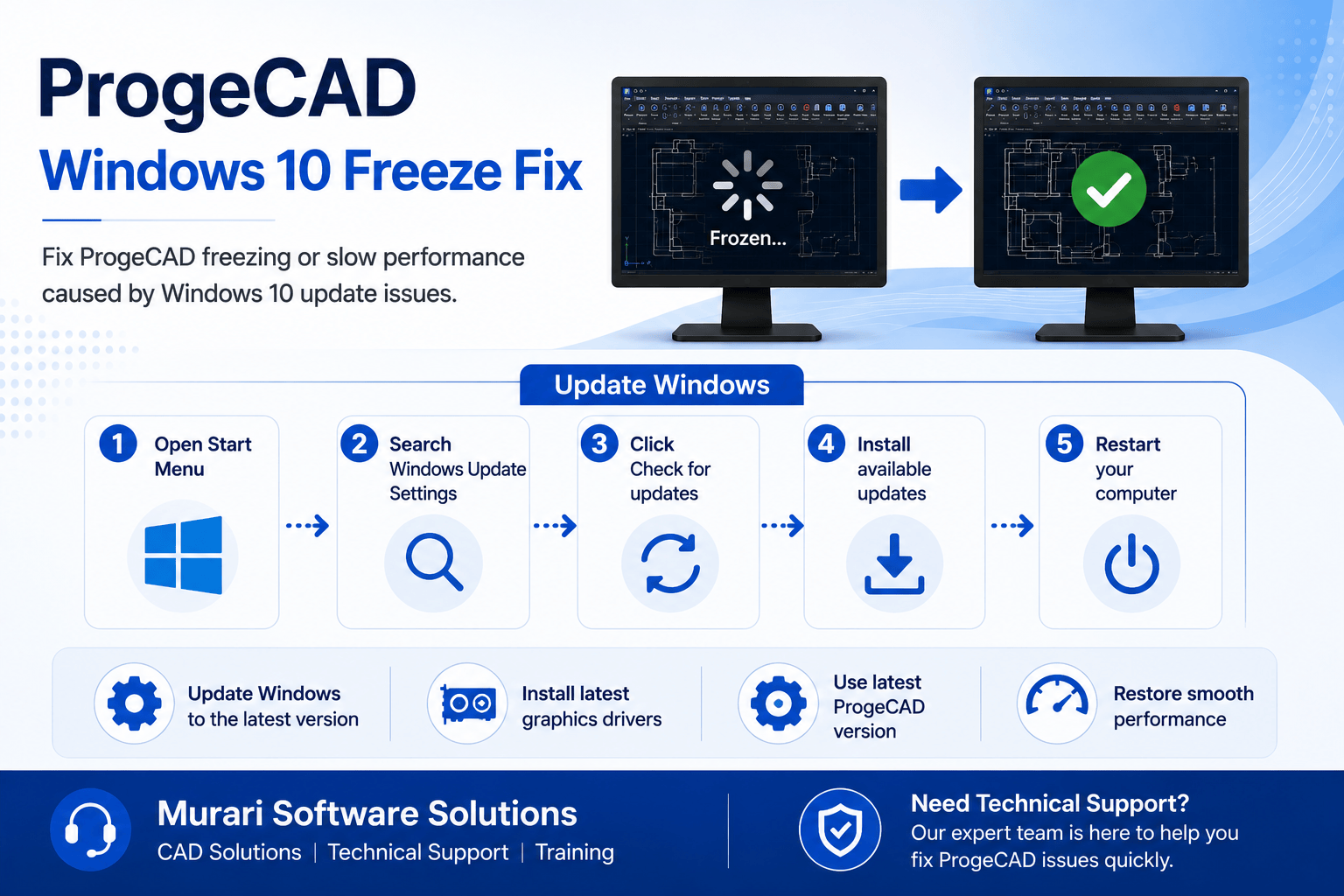
How to Fix ProgeCAD Freezing After a Windows 10 Update
If ProgeCAD becomes slow, unresponsive, or freezes after a Windows 10 update, the issue may be caused by changes to Windows or graphics drivers. Updating Windows and installing the latest fixes usually resolves the problem.
What Caused the Issue?
Some Windows 10 updates affected systems using Intel graphics, causing ProgeCAD to experience slow performance, lag while drawing, and occasional freezing. Microsoft later released updates to resolve these compatibility issues.
How to Update Windows
- Open the Start menu.
- Search for Windows Update Settings.
- Click Check for updates.
- Install all available updates.
- Restart your computer.
Additional Recommendations
- Install the latest Intel or graphics card drivers.
- Restart ProgeCAD after updating Windows.
- Use the latest ProgeCAD service pack or version.
- Verify that Hardware Acceleration is configured correctly.
Need Technical Support?
If ProgeCAD still freezes after updating Windows, contact Murari Software Solutions. Our technical team can help diagnose compatibility issues, graphics settings, and performance problems.