
ProgeCAD India Registration Guide
How to Register ProgeCAD in India
Registering ProgeCAD is a simple process that activates your licensed software and unlocks all available features. The registration procedure varies slightly depending on the version of ProgeCAD you are using.
Registration for ProgeCAD 2008 and Later Versions
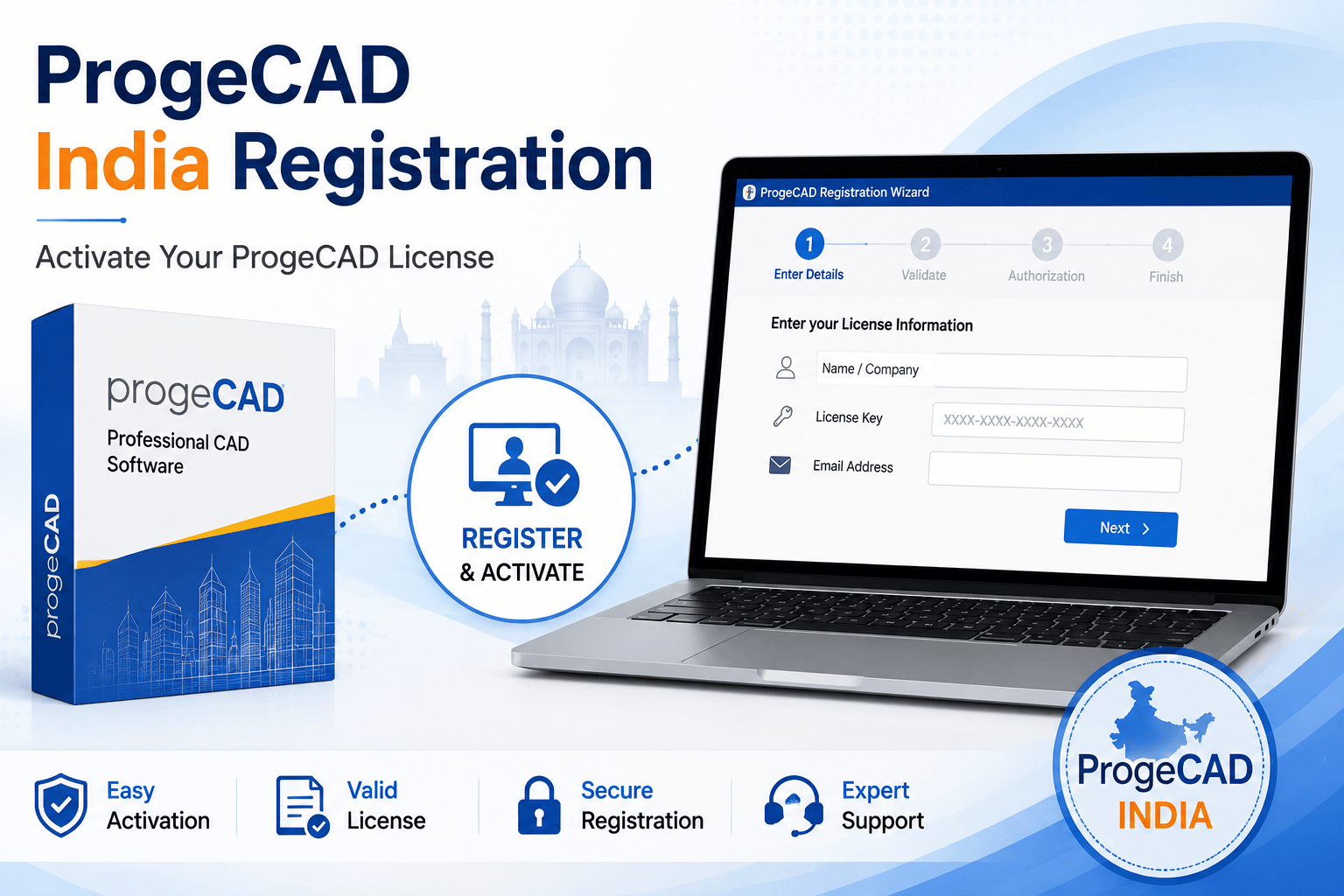
If you are using ProgeCAD 2008 or any newer version, simply follow the built-in Registration Wizard.
- Install ProgeCAD on your computer.
- Launch the software.
- The Registration Wizard will open automatically.
- Enter your license information when prompted.
- Complete the online registration process.
- Receive your Authorization Code.
- Enter the Authorization Code to activate your software.
Registration for Older ProgeCAD Versions
If you are using a version earlier than ProgeCAD 2008, the registration process may differ. Some older releases require manual activation or legacy registration methods.
For assistance with older versions, contact your authorized ProgeCAD India distributor or technical support team to obtain the appropriate activation instructions.
Registration Tips
- Use the original license information provided at the time of purchase.
- Ensure your internet connection is active during online registration.
- Keep your Authorization Code in a safe place for future reference.
- Install the latest ProgeCAD updates before activation.
- Run ProgeCAD with Administrator privileges if required.
Need Help Registering ProgeCAD?
Murari Software Solutions is an authorized ProgeCAD India distributor providing support for software registration, activation, license recovery, installation, and upgrades. If you encounter any issues during the registration process, our technical team is ready to help you activate your licensed copy quickly and efficiently.