
ProgeCAD Keeps Asking to Regenerate Drawing? Fix Continuous REGEN Prompt
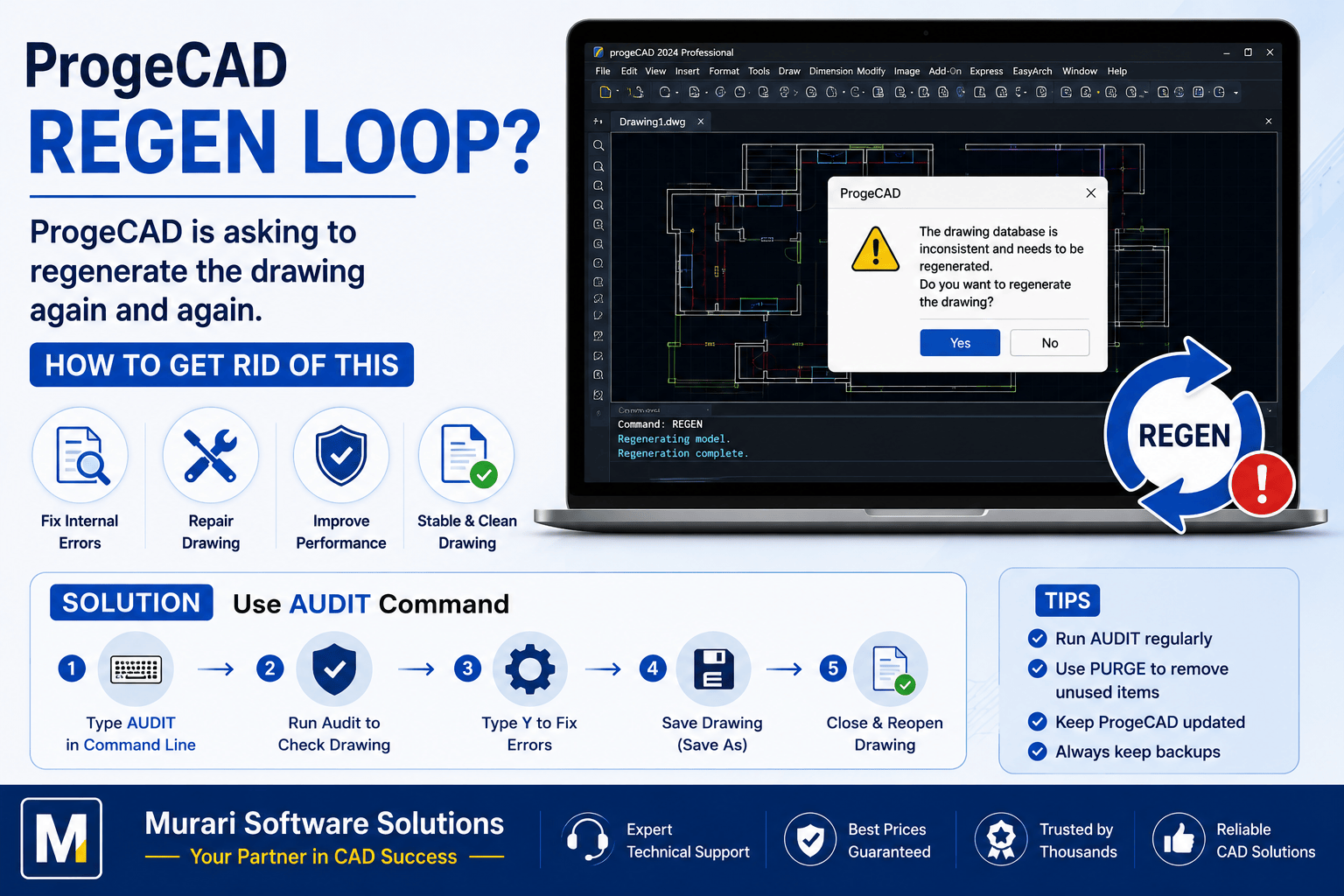
Why Does ProgeCAD Keep Asking to Regenerate (REGEN) the Drawing?
If ProgeCAD repeatedly asks you to regenerate (REGEN) the drawing, it usually indicates that the drawing database contains inconsistencies or minor corruption. Regeneration updates the display of all drawing objects and ensures that geometry, text, dimensions, and annotations are displayed correctly.
Although REGEN is a normal CAD operation, being prompted continuously is not typical. This usually happens when the drawing has internal errors, imported objects from other CAD applications, or damaged entities that require repair.
Common Reasons for Continuous REGEN Prompts
- Corrupted or damaged DWG file.
- Errors inside the drawing database.
- Objects imported from older AutoCAD® or third-party CAD software.
- Large drawings containing invalid entities.
- Proxy objects created by unsupported applications.
- Drawing saved after an unexpected system crash.
How to Fix the Problem
- Open the affected drawing.
- Type AUDIT in the command line.
- Press Enter.
- When prompted to fix detected errors, type Y.
- Allow ProgeCAD to repair the drawing database.
- Save the repaired drawing using Save As to create a fresh copy.
- Close and reopen the drawing to verify that the issue has been resolved.
Why the AUDIT Command Helps
The AUDIT command scans the entire drawing for internal database errors and automatically repairs problems that may cause repeated regeneration requests, display issues, or unexpected software behavior.
Additional Recommendations
- Run the PURGE command to remove unused objects.
- Use OVERKILL to eliminate duplicate entities if available.
- Avoid repeatedly editing damaged drawings without repairing them.
- Keep ProgeCAD updated to the latest version.
- Maintain backup copies before performing major repairs.
When Should You Regenerate?
Regenerating a drawing is completely normal after zooming, changing viewports, or making significant edits. However, if ProgeCAD asks for regeneration after nearly every operation, it usually indicates that the drawing should be repaired.
Frequently Asked Questions
Is REGEN harmful?
No. REGEN simply refreshes the drawing display and recalculates object visibility.
Will AUDIT delete my objects?
No. AUDIT repairs drawing errors without removing valid drawing entities.
Should I ignore repeated REGEN prompts?
It is recommended to repair the drawing instead of ignoring the prompts, as unresolved drawing errors may lead to performance issues or file corruption over time.
Need Help?
If your ProgeCAD drawing continues asking for regeneration even after running AUDIT, contact Murari Software Solutions for professional ProgeCAD support, drawing repair, and performance optimization assistance.