
Blog · 24-Dec-2025
ProgeCAD Pointer Leaves a Trail on the Drawing Area – Fix Graphics Issue
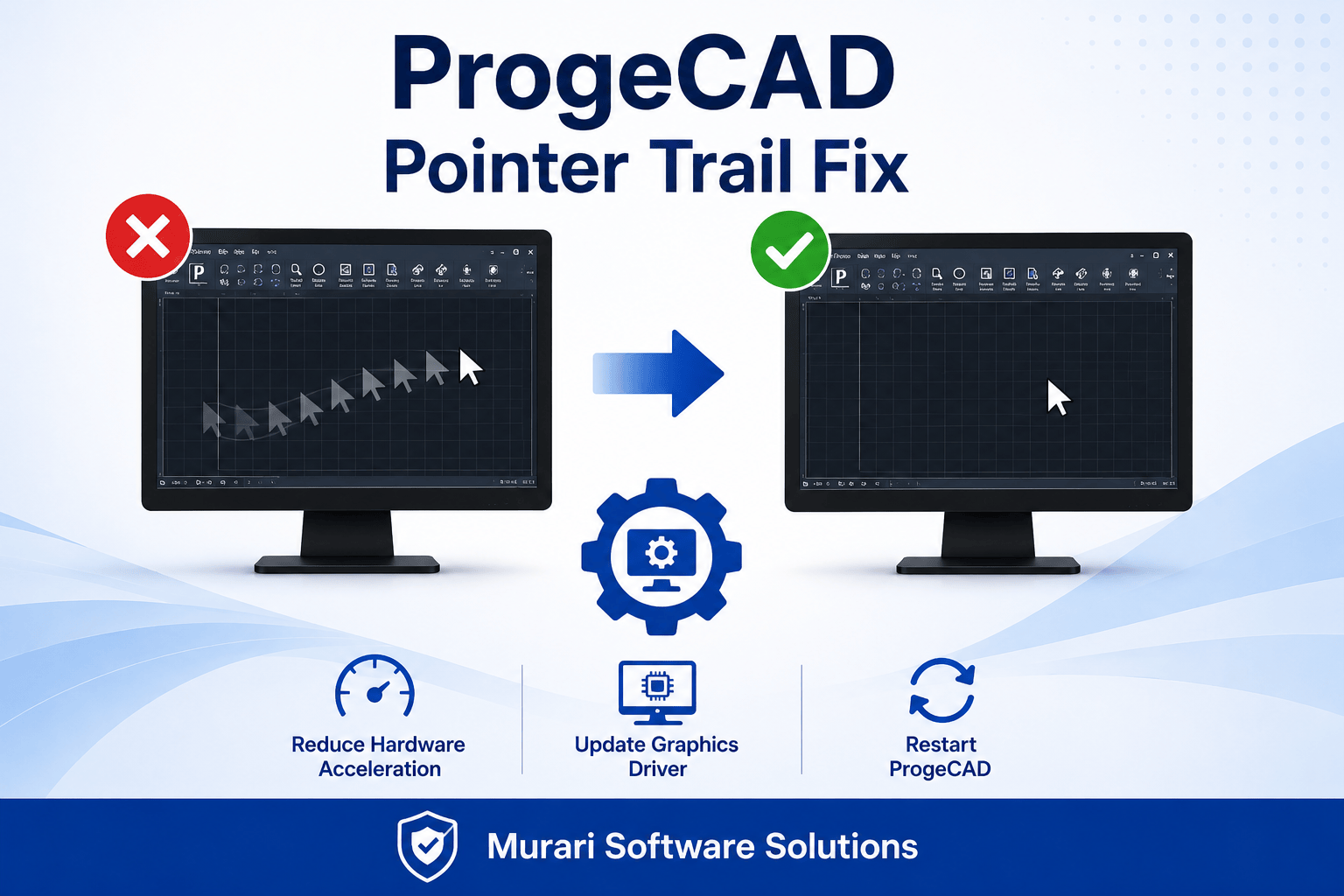
How to Fix the ProgeCAD Pointer Trail Issue
If your mouse pointer leaves a trail or ghost image while moving across the drawing area in ProgeCAD, the issue is usually related to your computer's graphics settings rather than the software itself.
This problem commonly occurs due to hardware acceleration or outdated display drivers.
Steps to Resolve the Issue
- Open the Windows Control Panel.
- Go to your Display or Graphics Settings.
- Open the Advanced Graphics Settings.
- Reduce or disable Hardware Acceleration if available.
- Update your graphics card driver to the latest version.
- Restart ProgeCAD and check if the issue is resolved.
In most cases, adjusting the graphics acceleration settings or updating the display driver eliminates the cursor trail problem.
Need Technical Support?
If the problem continues after updating your graphics settings, please contact our support team. We'll help you diagnose and resolve the issue quickly.
If the problem continues after updating your graphics settings, please contact our support team. We'll help you diagnose and resolve the issue quickly.