
ProgeCAD Software - Professional DWG CAD Software for Engineers, Architects and Designers
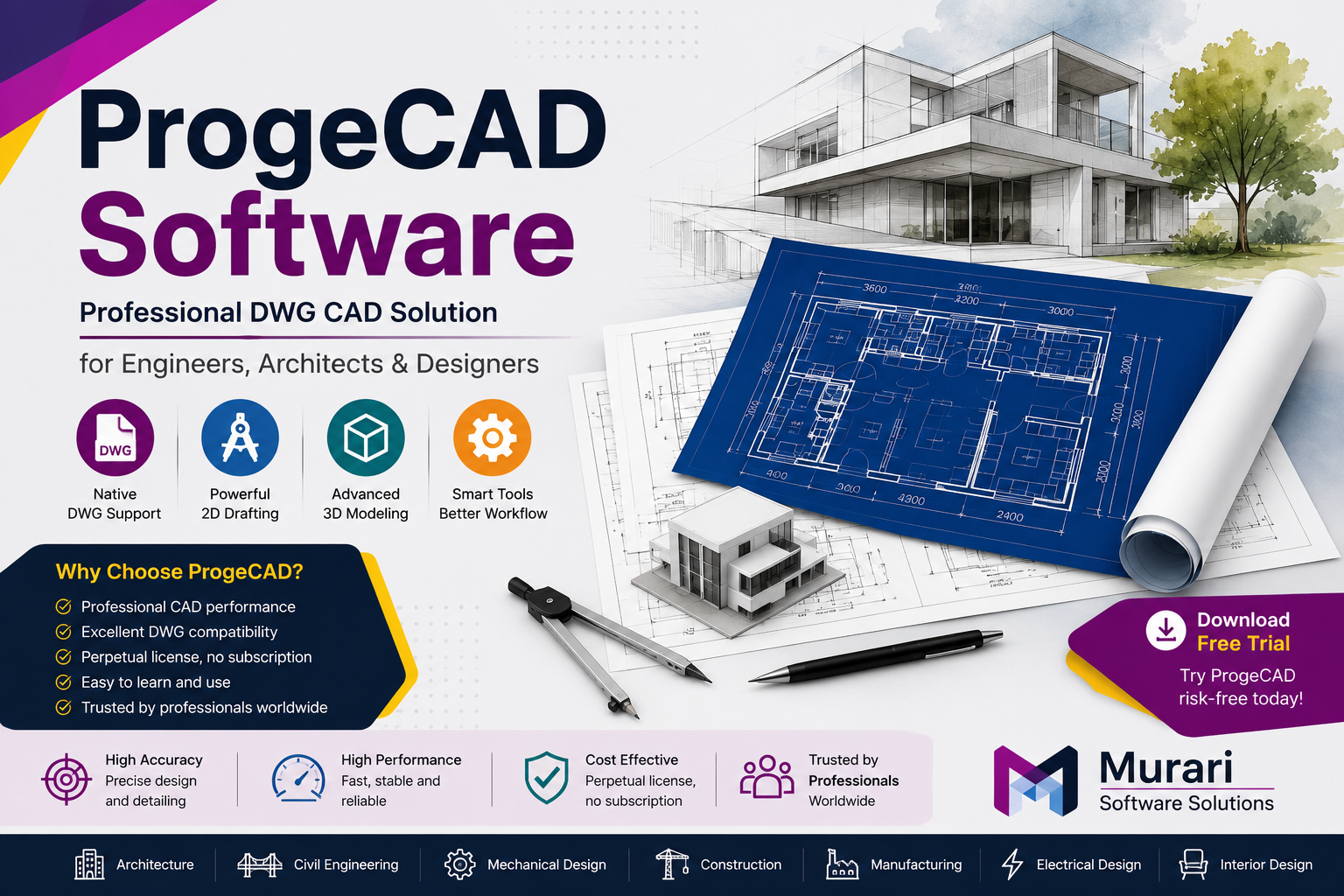
ProgeCAD Free Download - Get the Official Trial Version
Want to explore ProgeCAD before purchasing a license? The official ProgeCAD free trial allows you to experience professional CAD tools, native DWG compatibility, and an intuitive drafting environment without making an immediate investment.
Whether you are an architect, engineer, designer, or student, downloading the official trial is the best way to evaluate ProgeCAD for your projects.
Download the Latest ProgeCAD Free Trial
Why Choose the Official ProgeCAD Download?
Downloading ProgeCAD India from an authorized source ensures that you receive the latest software version, security updates, and a genuine installer. It also helps you avoid modified or outdated installation files that may cause compatibility or security issues.
- Latest ProgeCAD release
- Safe and secure installer
- Official trial version
- Compatible with current Windows versions
- Access to technical support
What Can You Do with the Free Trial?
The trial version lets you explore the software before purchasing a license. You can evaluate the interface, create new drawings, edit existing DWG files, and test the tools used in everyday CAD workflows.
- Create professional 2D drawings
- Open and edit DWG files
- Explore 3D modeling tools
- Print and export drawings
- Test productivity features
How to Download Free ProgeCAD Trial
- Visit the official download page.
- Complete the download form.
- Download the installation file.
- Save the installer on your computer.
- Run the setup file.
Installing ProgeCAD
Installing ProgeCAD is simple and usually takes only a few minutes.
- Open the downloaded installer.
- Accept the license agreement.
- Select the installation folder.
- Complete the installation process.
- Launch ProgeCAD and start the trial.
If you later purchase a license, you can activate the software without reinstalling it.
Who Should Try ProgeCAD?
ProgeCAD India is suitable for professionals and organizations looking for a reliable DWG-based CAD solution.
- Architects
- Civil Engineers
- Mechanical Engineers
- Interior Designers
- Manufacturing Companies
- Construction Firms
- Engineering Students
Before You Download
Before installing the software, make sure your computer meets the recommended system requirements and close any unnecessary applications. A stable internet connection is recommended during the download process.
You may also like:
Frequently Asked Questions
Is ProgeCAD really free?
ProgeCAD offers an official trial version so users can evaluate the software before purchasing a license.
Can I edit DWG files?
Yes. ProgeCAD India provides native support for creating and editing DWG drawings.
Do I need to register before downloading?
Depending on your download page, you may be asked to complete a simple registration form before accessing the installer.
Can I upgrade to a licensed version later?
Yes. After purchasing a license, simply activate the installed software without reinstalling it.
Download ProgeCAD Free Trial Today
Experience professional CAD software with powerful drafting tools, excellent DWG compatibility, and an easy-to-use interface. Download the latest ProgeCAD trial today and discover how it can improve your design workflow.
Why ProgeCAD is a Smart Choice for Professionals
Selecting CAD software is an important decision for any business or design professional. Apart from powerful drafting tools, organizations need software that is reliable, cost-effective, and compatible with existing projects. ProgeCAD Software delivers all these advantages while providing a familiar working environment for experienced CAD users.
Because ProgeCAD uses the industry-standard DWG file format, users can collaborate with clients, consultants, and contractors without worrying about file conversion issues. This makes it a practical solution for businesses handling multiple projects and teams.
If you would like to experience the software before purchasing, you can visit our ProgeCAD Free Download page and start with the official trial version.
Simple Licensing with Long-Term Value
Unlike many CAD applications that require recurring subscription payments, ProgeCAD offers perpetual licensing. This means you purchase the software once and continue using it without mandatory yearly renewals.
This licensing model is ideal for engineering firms, architectural companies, educational institutions, manufacturing businesses, and independent professionals who want to control software expenses while maintaining access to professional CAD tools.
To compare available editions and licensing options, visit our ProgeCAD Pricing page.
Compatible with Your Existing Workflow
Switching to new CAD software should not interrupt your projects. ProgeCAD is designed to integrate smoothly into existing workflows by supporting DWG files, AutoLISP routines, Dynamic Blocks, PDF import, and familiar CAD commands.
This allows professionals to continue working with existing drawings while reducing the learning curve for their teams.
If you are planning to install the software, check our ProgeCAD Installation Guide before getting started.
System Compatibility
Before installing ProgeCAD Software, ensure your computer meets the recommended hardware and operating system requirements for the best performance.
View the complete ProgeCAD System Requirements guide for detailed specifications.
Explore the Latest Version
The latest version of ProgeCAD introduces performance improvements, enhanced DWG compatibility, improved drafting tools, and workflow enhancements that help professionals complete projects faster.
You can download the latest release from our ProgeCAD 2027 Download page.
Frequently Asked Questions
What is ProgeCAD Software used for?
ProgeCAD is used for creating, editing, and managing professional CAD drawings in architecture, civil engineering, mechanical engineering, manufacturing, construction, and interior design.
Is ProgeCAD compatible with DWG files?
Yes. ProgeCAD provides native support for the DWG file format, allowing you to work with industry-standard drawings.
Can I try ProgeCAD before purchasing?
Yes. You can evaluate the software by downloading the official trial from our ProgeCAD Free Download page.
Does ProgeCAD support AutoLISP?
Yes. ProgeCAD supports AutoLISP, helping users automate repetitive tasks and continue using existing custom routines.
Which industries use ProgeCAD?
ProgeCAD is widely used by architects, civil engineers, mechanical engineers, structural consultants, interior designers, manufacturers, and construction companies.
How do I install ProgeCAD?
After downloading the installer, follow our step-by-step ProgeCAD Installation Guide for a smooth installation.
Related ProgeCAD Resources
Start Your ProgeCAD Journey Today
Whether you are an architect, engineer, designer, manufacturer, or construction professional, ProgeCAD Software provides the tools you need to create accurate drawings, improve productivity, and collaborate efficiently using the industry-standard DWG format.
Explore our complete collection of ProgeCAD resources, compare licensing options, and download the latest trial to see how ProgeCAD can fit into your workflow.