
Do TrueType Fonts Slow Down ProgeCAD? Performance Tips
Do TrueType Fonts Slow Down ProgeCAD?
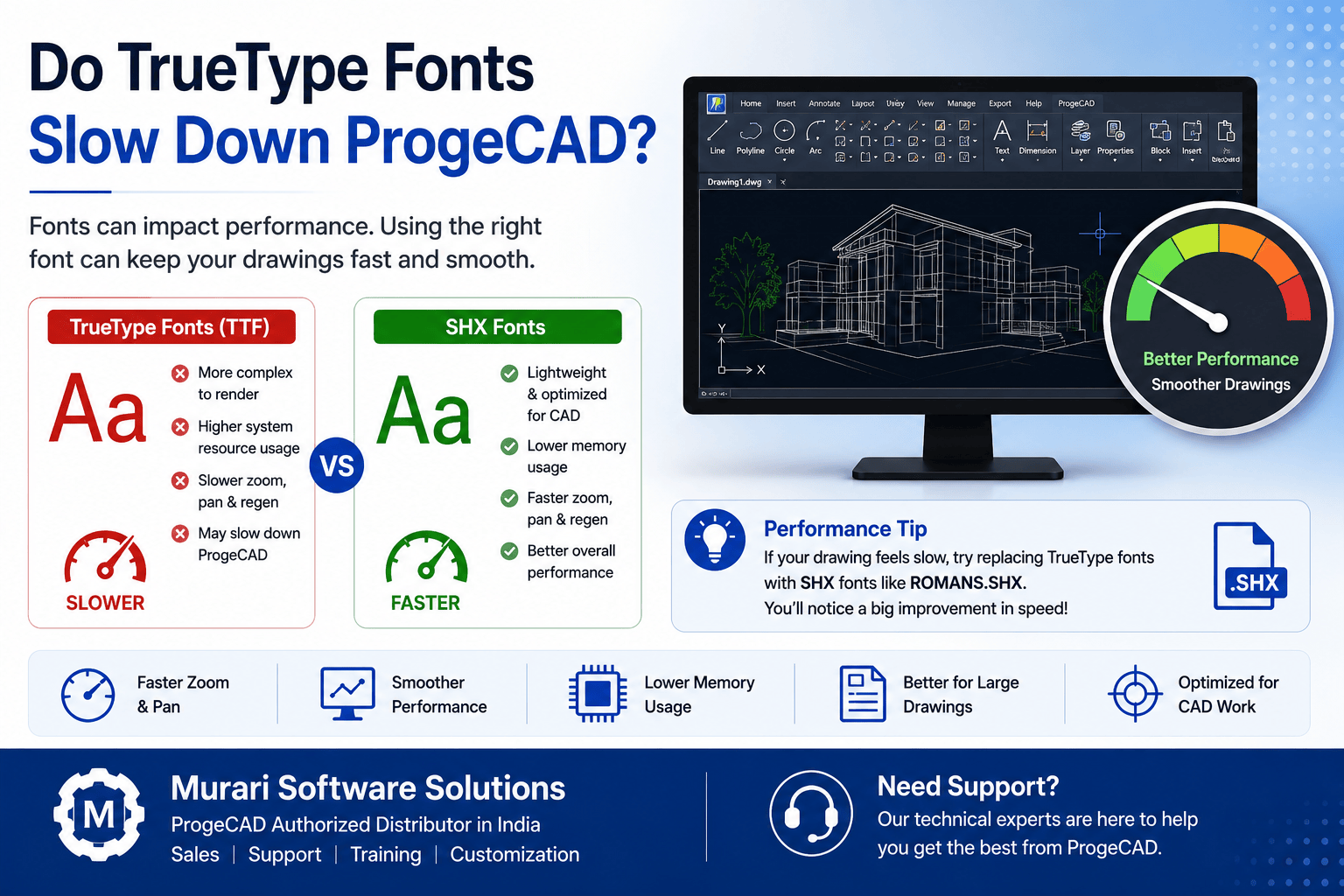
If you notice slow zooming, panning, or drawing regeneration in ProgeCAD, the issue may be related to the fonts used in your drawings. In many cases, drawings that use TrueType (TTF) fonts require more system resources than drawings using standard SHX fonts.
Why SHX Fonts Are Faster
SHX fonts are specifically designed for CAD applications. They are lightweight, render quickly, and generally provide better performance when working with large or complex drawings.
- Faster zoom and pan operations.
- Quicker drawing regeneration.
- Lower memory usage.
- Better performance on older computers.
When TrueType Fonts Can Cause Slowdowns
TrueType fonts often contain more detailed character information, which requires additional processing during drawing display and regeneration. This may result in slower performance, particularly in drawings containing large amounts of text.
Recommended Solution
If your drawing becomes slow after opening it, consider replacing TrueType fonts with commonly used SHX fonts such as ROMANS.SHX or other suitable SHX alternatives. This simple change can significantly improve overall performance.
Need Help Optimizing ProgeCAD?
Murari Software Solutions provides professional support for ProgeCAD installation, performance optimization, licensing, customization, and technical troubleshooting. Contact our team if you need assistance improving the speed and efficiency of your ProgeCAD environment.