
What is the Use of ProgeCAD? Complete Guide
What is the Use of progeCAD?
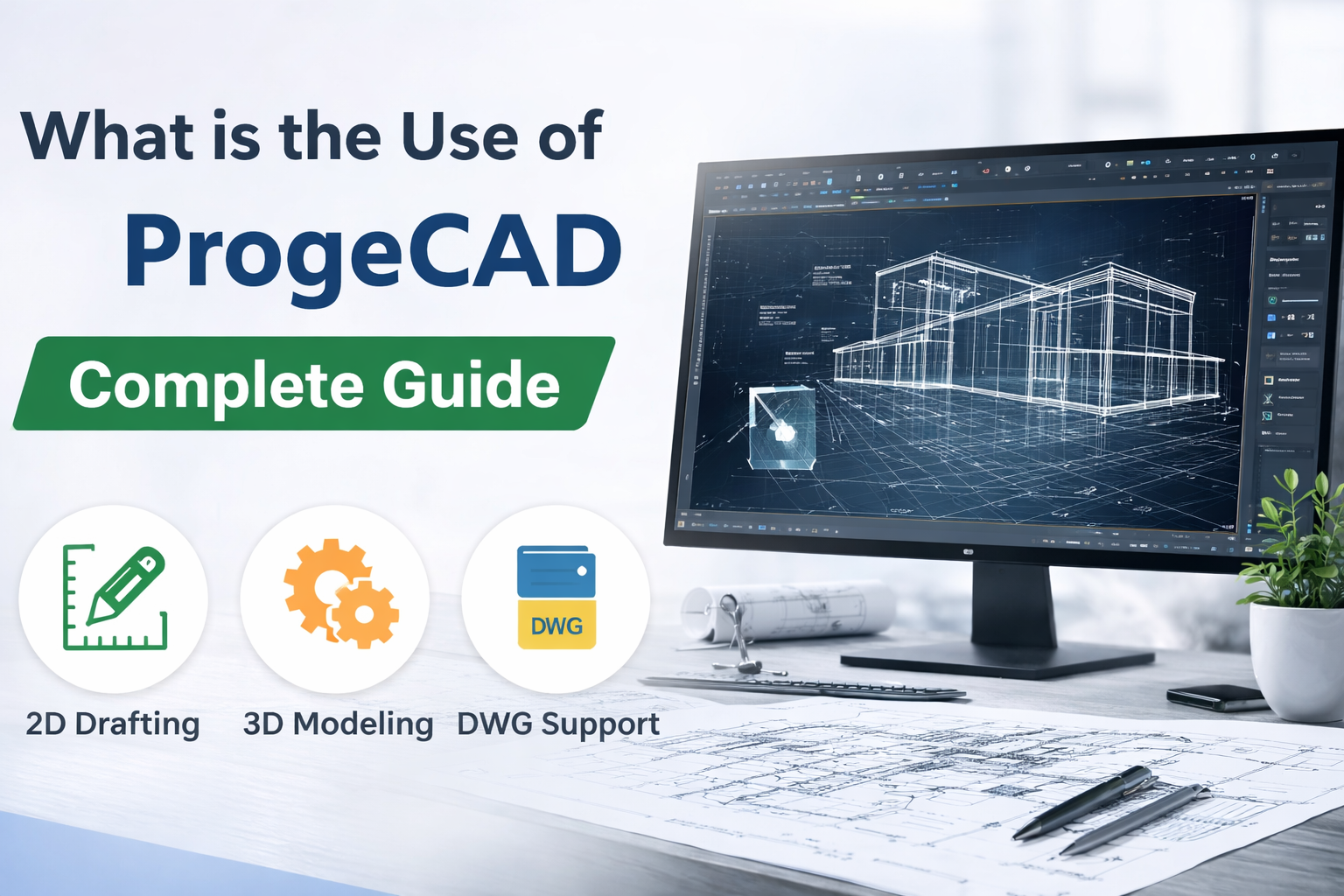
progeCAD is a professional computer-aided design (CAD) software used for creating precise 2D drawings and 3D models. It is widely used by architects, engineers, and designers for drafting, modeling, and technical documentation.
Many users search for what is the use of progeCAD because it offers powerful CAD tools at a much lower cost compared to other software, while still supporting industry-standard DWG files.
Main Uses of progeCAD
1. 2D Drafting and Technical Drawings
progeCAD is primarily used for 2D drafting such as floor plans, blueprints, schematics, and engineering drawings. It provides precise tools for creating detailed layouts required in construction and manufacturing.
2. 3D Modeling and Visualization
The software allows users to create 3D models for better visualization of designs. This is useful for product design, architectural visualization, and mechanical components.
3. Architectural Design
Architects use progeCAD to design buildings, plan interiors, and create structural layouts. It helps in improving accuracy and reducing design errors.
4. Mechanical Engineering Design
Engineers use progeCAD for machine design, part modeling, and assembly drawings. It supports precision and efficiency in technical workflows.
5. DWG File Compatibility
One of the biggest advantages of progeCAD is its full compatibility with DWG files. This allows seamless collaboration with other CAD platforms without file conversion issues.
Key Features of progeCAD
- AutoCAD®-like interface for easy learning
- Advanced 2D drafting tools
- 3D modeling capabilities
- PDF to DWG conversion
- Extensive symbol libraries
- Customizable interface and plugins
Benefits of Using progeCAD
- Cost-effective with one-time purchase
- No subscription fees
- Easy to use for beginners
- High performance for professional work
- Compatible with industry standards
Who Should Use progeCAD?
progeCAD is ideal for architects, civil engineers, mechanical designers, students, and freelancers who need powerful CAD tools without high costs.
progeCAD vs Other CAD Software
Compared to other CAD software, progeCAD offers similar functionality with better affordability. It is especially suitable for small businesses and independent professionals.
Frequently Asked Questions
What is progeCAD used for?
progeCAD is used for 2D drafting, 3D modeling, architectural design, and engineering drawings.
Is progeCAD good for beginners?
Yes, progeCAD has an easy-to-use interface similar to other CAD tools, making it suitable for beginners.
Is progeCAD an alternative to AutoCAD®?
Yes, progeCAD is considered a cost-effective alternative with similar features and DWG compatibility.
Conclusion
progeCAD is a powerful and affordable CAD software used for drafting, modeling, and design across multiple industries. Whether you are a beginner or a professional, it provides the tools needed to create accurate and efficient designs.