
Blog · 30-Dec-2025
Where ProgeCAD Stores Print Settings and Plot Configuration
Where Does ProgeCAD Store Print Settings?
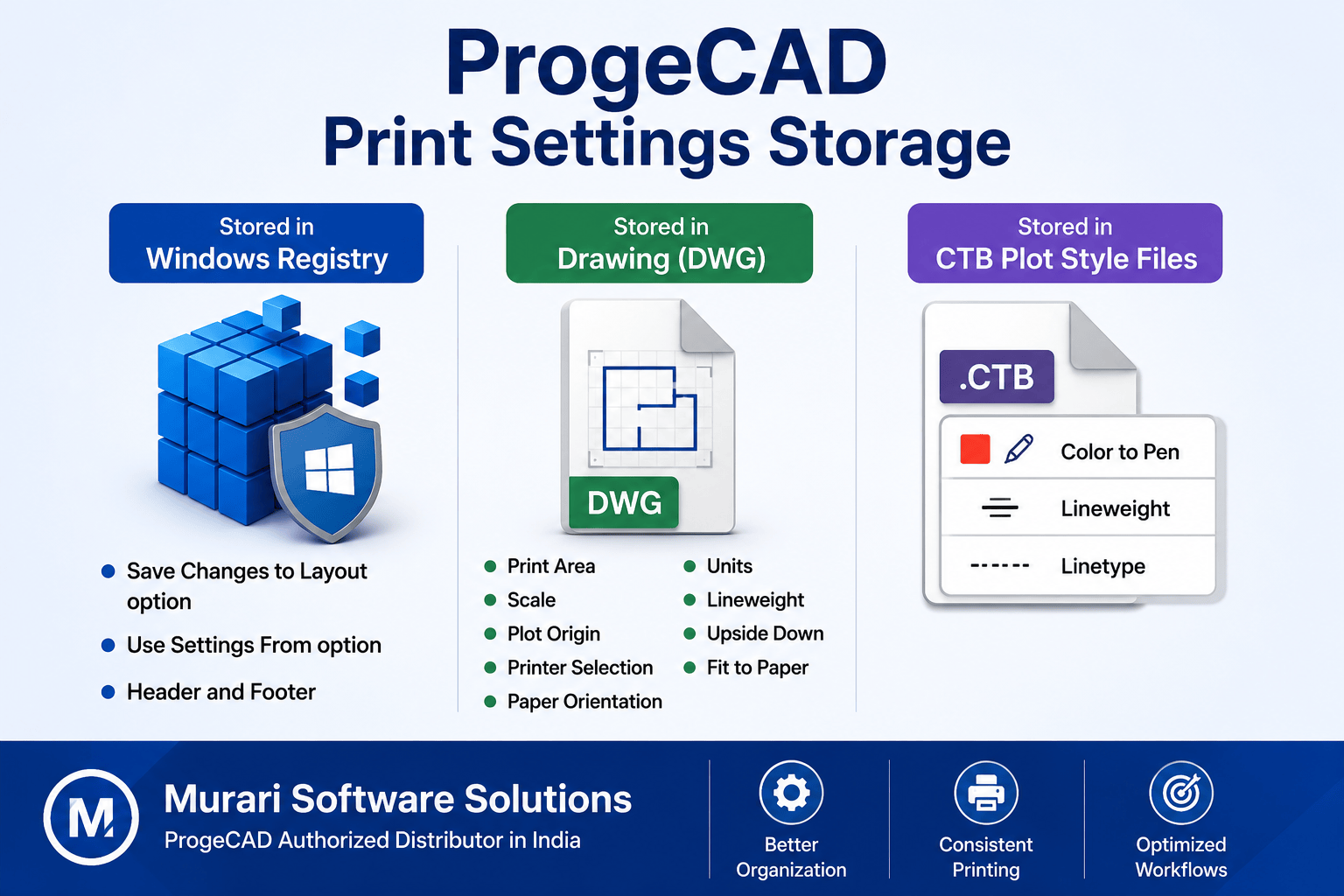
ProgeCAD stores print and plotting information in different locations depending on the type of setting. Some preferences are saved in the Windows Registry, while others are stored inside the DWG drawing or in CTB plot style files.
Settings Stored in the Windows Registry
- Save Changes to Layout option
- Use Settings From option
- Header and Footer preferences
Settings Saved Inside the Drawing (DWG)
- Print Area
- Scale
- Plot Origin
- Printer Selection
- Paper Orientation (Portrait/Landscape)
- Units
- Lineweight Settings
Settings Stored in CTB Plot Style Files
- Color-to-Pen Mapping
- Lineweight Configuration
- Linetype Settings
Understanding where ProgeCAD stores these settings makes it easier to migrate projects, troubleshoot printing issues, and maintain consistent plotting standards across multiple systems.
Need Help with ProgeCAD Printing?
Our technical experts can help you configure printers, CTB files, and plotting settings. Contact our support team.
Our technical experts can help you configure printers, CTB files, and plotting settings. Contact our support team.