
Download ProgeCAD 2014 Professional
ProgeCAD 2014 Professional is a dependable DWG-native CAD solution created for architects, engineers, surveyors, manufacturers and drafting professionals. It offers accurate 2D drafting, ACIS® 3D solid modelling and seamless DWG compatibility while eliminating recurring subscription costs.
The official ProgeCAD 2014 evaluation version lets you experience professional CAD tools including AutoLISP support, PDF Import and Export, DWG compatibility, advanced plotting, customisable interface and industry-standard drafting features for everyday design work.
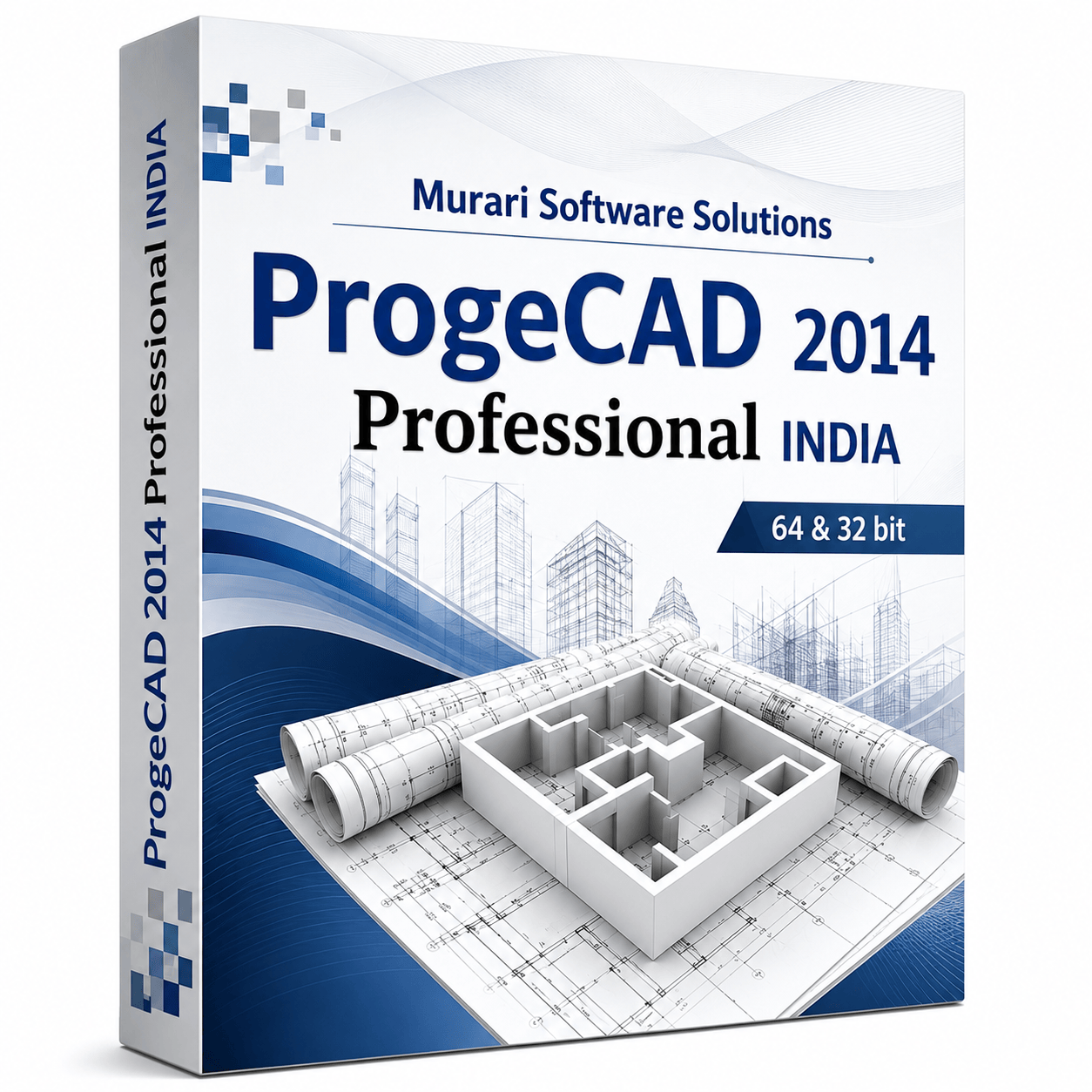
ProgeCAD 2014 package
Why Choose ProgeCAD 2014?
- Native DWG file support for seamless drawing exchange
- Powered by IntelliCAD technology for reliable CAD performance
- Professional 2D drafting and ACIS® 3D solid modelling
- AutoLISP compatibility for automation and custom routines
- Enhanced PDF Import and PDF Export capabilities
- Advanced hatch editing and pattern management
- Improved Layer Manager for large engineering projects
- Optimised block editing and attribute management
- XREF support for multi-user CAD workflows
- Batch Plot for printing multiple drawings efficiently
- Improved dimension styles and annotation tools
- Better performance when opening large DWG files
- SHX font compatibility with AutoCAD® drawings
- Express Tools included for increased productivity
- Perpetual licence with no yearly subscription fees
System Requirements
Download Details
Product: ProgeCAD Professional
Version: 2014
Release Type: Legacy Professional Edition
Licence: 15-Day Evaluation
Platform: Windows 32-bit & 64-bit
Language: English
Installer: Offline Setup
Drawing Format: Native DWG/DXF
CAD Engine: IntelliCAD Technology
3D Modelling: ACIS® Solid Modelling
Automation: AutoLISP & VBA Support
Printing: Batch Plot & PDF Publishing
See ProgeCAD 2014 in action
Frequently Asked Questions About ProgeCAD 2014
What makes ProgeCAD 2014 a good AutoCAD® alternative?
ProgeCAD 2014 delivers a familiar CAD environment with native DWG support, AutoLISP compatibility, ACIS® 3D solid modelling and professional drafting tools at a significantly lower cost than subscription-based CAD software.
Can I download ProgeCAD 2014 today?
Yes. The ProgeCAD 2014 evaluation installer is available for users who need to open older projects, evaluate legacy features or maintain compatibility with existing CAD workflows.
Which DWG versions can ProgeCAD 2014 open?
ProgeCAD 2014 supports native DWG and DXF files, allowing users to open, edit and save drawings while maintaining compatibility with many AutoCAD® drawing versions.
Does ProgeCAD 2014 work on Windows 10?
Although ProgeCAD 2014 was developed for Windows XP, Vista, Windows 7 and Windows 8, many users successfully run it on Windows 10 using compatibility settings depending on system configuration.
Can I use my AutoLISP routines in ProgeCAD 2014?
Yes. ProgeCAD 2014 includes AutoLISP support, allowing many existing CAD automation scripts to run with little or no modification.
Does ProgeCAD 2014 include 3D modelling tools?
Yes. The software includes ACIS® solid modelling tools for creating, editing and visualising 3D objects used in mechanical and architectural design projects.
Can I print drawings directly to PDF?
Yes. ProgeCAD 2014 supports PDF publishing and printing, making it easy to share drawings with clients, contractors and project teams.
Is ProgeCAD 2014 suitable for engineering projects?
Absolutely. Civil engineers, architects, surveyors, manufacturers and mechanical designers continue to use ProgeCAD for professional drafting, detailing and documentation.
Does ProgeCAD 2014 require an internet connection?
No. After installation and activation, ProgeCAD 2014 can be used offline for everyday drafting and design work.
Can I upgrade from ProgeCAD 2014 to a newer version?
Yes. Existing users can upgrade to the latest ProgeCAD release while keeping their DWG drawings, templates and most custom settings.
Is ProgeCAD 2014 available as a perpetual licence?
Yes. Unlike subscription-based CAD software, ProgeCAD 2014 is offered with a perpetual licence, allowing users to continue using the software after purchase without annual renewal fees.
Who should download ProgeCAD 2014?
ProgeCAD 2014 is ideal for professionals who need a reliable DWG CAD application for legacy projects, educational use, engineering drawings or organisations maintaining older CAD environments.
Ready to try ProgeCAD?
Get your free 15-day trial download link now or buy a perpetual licence with expert support from India.