
Download ProgeCAD 2016 India Version
ProgeCAD 2016 Professional is a reliable DWG-native CAD software developed for architects, civil engineers, mechanical engineers, manufacturers, surveyors and construction professionals. It delivers professional 2D drafting, powerful 3D ACIS solid modelling and complete AutoCAD® DWG compatibility without recurring subscription costs.
Download the official 15-day evaluation version of ProgeCAD 2016 to experience Dynamic Input, Dynamic UCS, Cloud Integration, PDF to DWG conversion, AutoLISP support, ACIS solid modelling and enhanced drafting productivity.
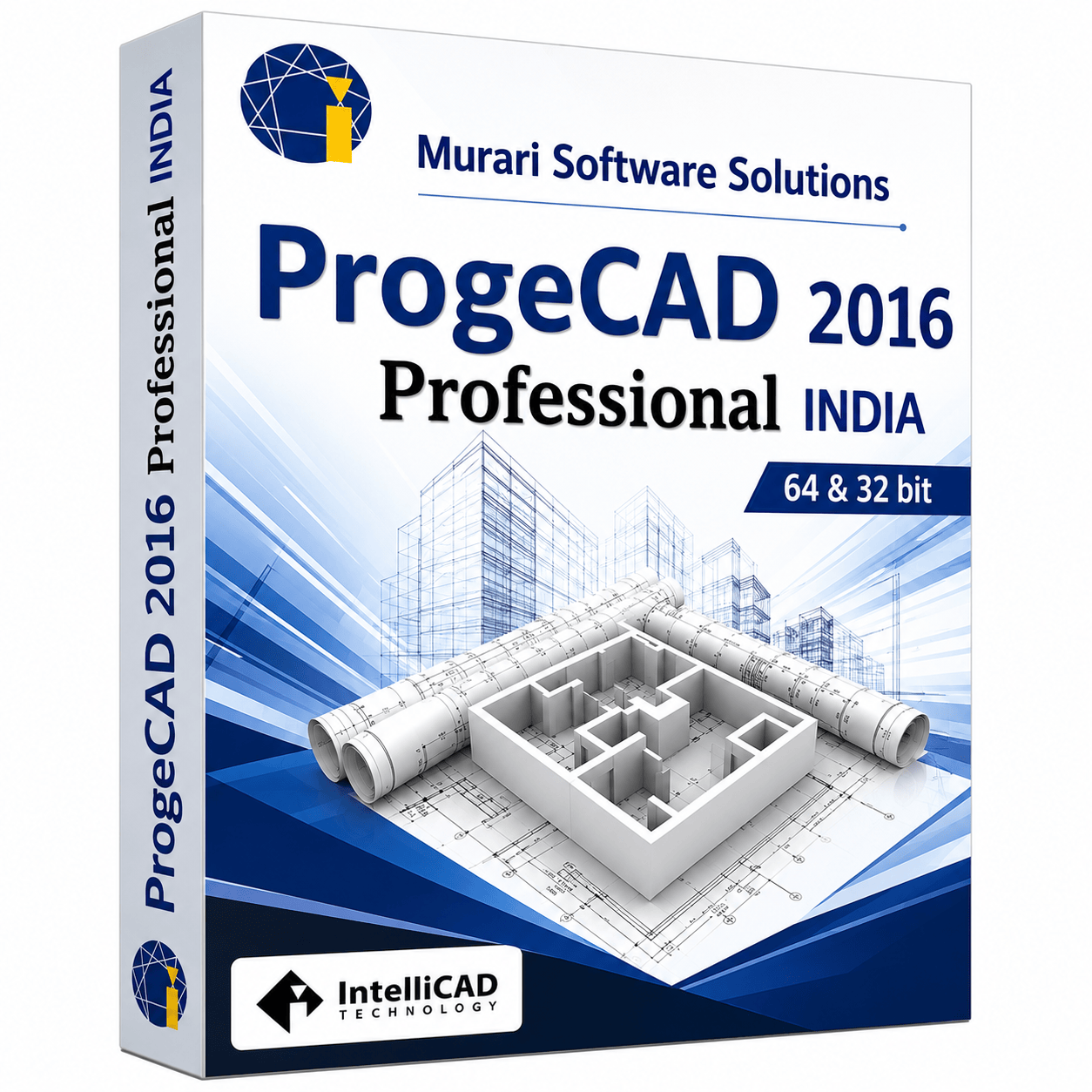
ProgeCAD 2016 package
What's New in ProgeCAD 2016
- Built on the IntelliCAD 7.x CAD engine
- Dynamic Input for faster drafting workflows
- Dynamic UCS for improved 3D modelling
- Cloud Integration with Dropbox, Google Drive and OneDrive
- Advanced Solid Grips for efficient 3D editing
- Refreshed user interface with updated icons
- Improved Object Snap performance
- Enhanced Ortho Mode accuracy
- Faster Zoom and Pan operations
- Improved Solid Extrusion commands
- Better AutoCAD® DWG 2016 compatibility
- Numerous performance improvements and bug fixes
System Requirements
Download Details
Product: ProgeCAD Professional
Version: 2016
Licence: 15-Day Evaluation
Platform: Windows 32-bit & 64-bit
Language: English
Installer: Offline Setup
Drawing Format: Native DWG 2016
CAD Engine: IntelliCAD 7.x
Technology: Dynamic Input & Dynamic UCS
3D Support: ACIS Solid Modelling
See ProgeCAD 2016 in action
Frequently Asked Questions
What is ProgeCAD 2016?
ProgeCAD 2016 Professional is a DWG-native CAD software developed for professional 2D drafting and ACIS 3D solid modelling. It provides excellent AutoCAD® DWG compatibility and a perpetual licence for architects, engineers and designers.
What are the new features in ProgeCAD 2016?
ProgeCAD 2016 introduced Dynamic Input, Dynamic UCS, Cloud Integration, Advanced Solid Grips, improved Object Snaps, better Zoom performance, refreshed user interface, improved DWG compatibility and numerous performance enhancements.
Is ProgeCAD 2016 compatible with AutoCAD® DWG files?
Yes. ProgeCAD 2016 opens, edits and saves native DWG files while maintaining excellent compatibility with AutoCAD® drawings up to the DWG 2016 format.
Does ProgeCAD 2016 support 3D modelling?
Yes. ProgeCAD 2016 includes ACIS® 3D solid modelling, Dynamic UCS and advanced solid editing tools for professional mechanical, architectural and engineering workflows.
Does ProgeCAD 2016 support AutoLISP?
Yes. ProgeCAD 2016 supports AutoLISP, making it easy to run existing CAD automation routines and custom applications.
Can I work with PDF files?
Yes. ProgeCAD 2016 includes PDF Import, PDF Export and PDF to DWG conversion, allowing you to reuse PDF drawings within your CAD projects.
Is a free trial available?
Yes. ProgeCAD 2016 Professional is available as a fully functional 15-day evaluation version for Windows users.
Which operating systems are supported?
ProgeCAD 2016 supports Microsoft Windows XP SP3, Windows Vista, Windows 7, Windows 8 and Windows 8.1 in both 32-bit and 64-bit editions.
Can I upgrade from older ProgeCAD versions?
Yes. Existing users can upgrade from previous ProgeCAD releases while continuing to use their existing DWG drawings, templates, fonts and customisation settings.
Does ProgeCAD 2016 require an annual subscription?
No. ProgeCAD 2016 is sold with a perpetual licence, allowing you to own the software without recurring annual subscription fees.
Who should use ProgeCAD 2016?
ProgeCAD 2016 is ideal for architects, civil engineers, mechanical engineers, manufacturers, surveyors, educational institutions and CAD professionals looking for a reliable AutoCAD® alternative with native DWG compatibility.
Ready to try ProgeCAD 2016?
Get your free 15-day trial download link now or buy a perpetual licence with expert support from India.