
Download ProgeCAD 2022 Full India Version
ProgeCAD 2022 Professional is a powerful DWG-native CAD solution built on the IntelliCAD 10.1 engine. It delivers professional 2D drafting, 3D modelling, native DWG compatibility and an AutoCAD®-like interface for architects, engineers, surveyors, manufacturers and construction professionals.
Download the official 15-day free trial of ProgeCAD 2022 to experience faster drawing performance, the redesigned Start Page, Sheet Set Manager, Bing Maps geolocation, Dynamic Input on Grips, improved Dynamic Blocks and many workflow enhancements designed to boost CAD productivity.
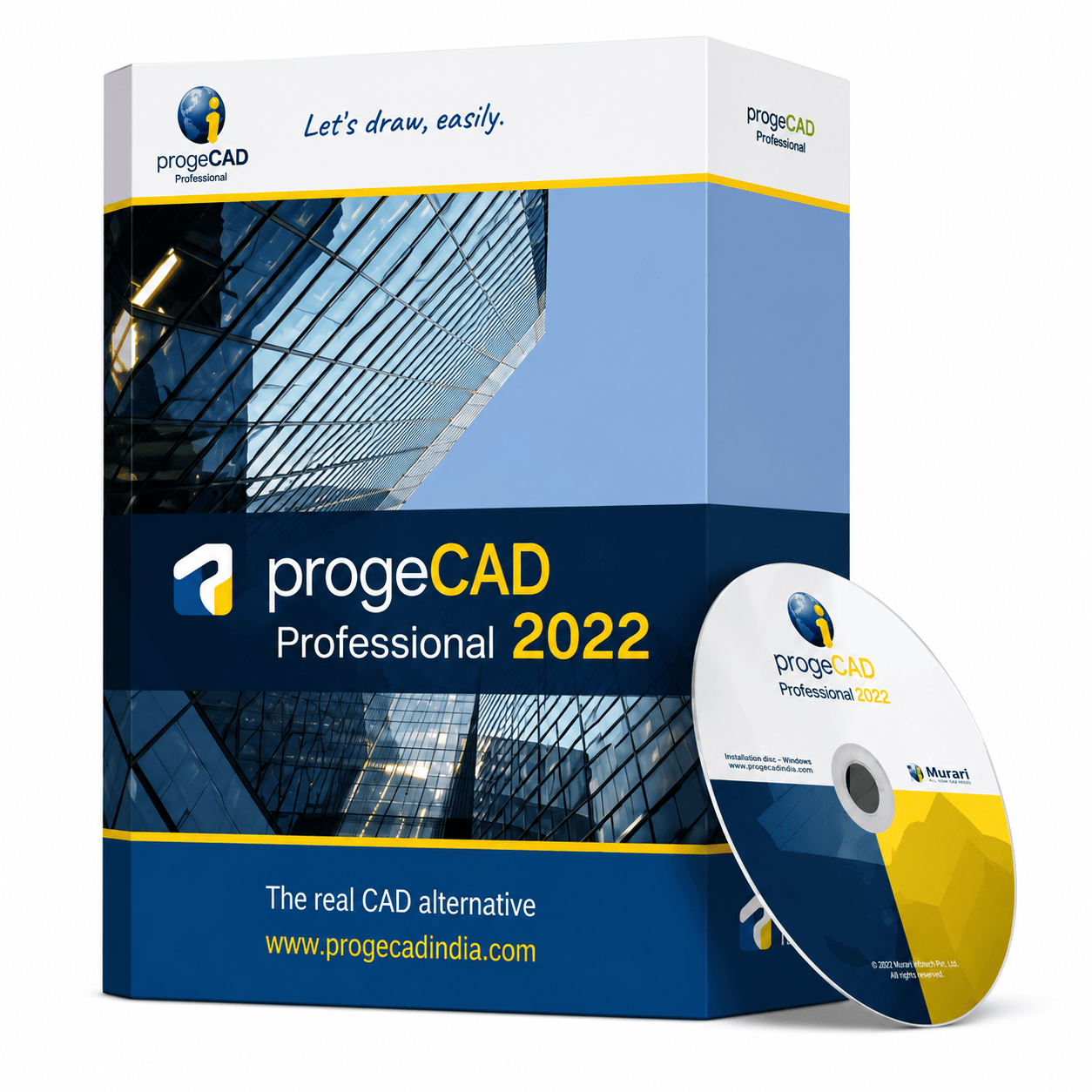
ProgeCAD 2022 package
What's New in ProgeCAD 2022
- Powered by IntelliCAD 10.1 Engine
- Redesigned Modern Start Page
- New Sheet Set Manager
- Bing Maps Geolocation Support
- Dynamic Input on Grips
- Incremental Save Performance
- Improved Dynamic Blocks
- Autodesk Revit 2021 Import
- Enhanced View Manager
- Faster DWG Performance & Stability
System Requirements
Download Details
Product: ProgeCAD Professional
Version: 2022
Engine: IntelliCAD 10.1
Licence: 15-Day Evaluation
Platform: Windows 64-bit
Language: English
Installer: Offline Setup
File Format: EXE Installer
DWG Support: Native DWG Read & Write
See ProgeCAD 2022 in action
Frequently Asked Questions
What is ProgeCAD 2022?
ProgeCAD 2022 Professional is a DWG-native CAD software built on the IntelliCAD 10.1 engine. It provides advanced 2D drafting, 3D modelling, PDF tools, BIM support and an AutoCAD®-style interface for engineering, architectural and manufacturing workflows.
What are the new features in ProgeCAD 2022?
ProgeCAD 2022 introduced the IntelliCAD 10.1 engine, redesigned Start Page, Sheet Set Manager, Bing Maps integration, Dynamic Input on Grips, Incremental Save, improved Dynamic Blocks, View Manager enhancements and Revit 2021 import support.
Is ProgeCAD 2022 compatible with DWG files?
Yes. ProgeCAD 2022 uses the native DWG file format, allowing users to open, edit, save and share drawings with AutoCAD® and other DWG-compatible CAD applications.
Does ProgeCAD 2022 support BIM workflows?
Yes. ProgeCAD 2022 supports IFC files and Revit 2021 import, making it suitable for BIM-based architectural and engineering projects.
Can I import Microsoft Excel data?
Yes. ProgeCAD 2022 allows importing Excel data into CAD drawings for schedules, bills of materials and tabular project information.
Is ProgeCAD 2022 available as a free trial?
Yes. You can download a fully functional 15-day evaluation version of ProgeCAD 2022 Professional before purchasing a perpetual licence.
Which operating systems are supported?
ProgeCAD 2022 supports Microsoft Windows 10 and Windows 11 (64-bit editions).
Can I upgrade from ProgeCAD 2021?
Yes. Existing ProgeCAD users can upgrade to ProgeCAD 2022 while retaining their DWG drawings, custom menus, templates and workflows.
Does ProgeCAD 2022 require a yearly subscription?
No. ProgeCAD 2022 is available with a perpetual licence, allowing users to own the software without mandatory annual subscription fees.
Who should use ProgeCAD 2022?
ProgeCAD 2022 is ideal for architects, civil engineers, mechanical engineers, surveyors, manufacturers, construction professionals, educational institutions and CAD designers working with DWG drawings.
Ready to try ProgeCAD 2022?
Get your free 15-day trial download link now or buy a perpetual licence with expert support from India.