
Download ProgeCAD 2026 Full India Version
ProgeCAD 2026 Professional delivers powerful 2D drafting, intelligent 3D modelling, enhanced DWG compatibility and improved productivity tools for engineers, architects and construction professionals.
Download the latest evaluation version and experience professional CAD software with modern performance enhancements and industry-leading compatibility.
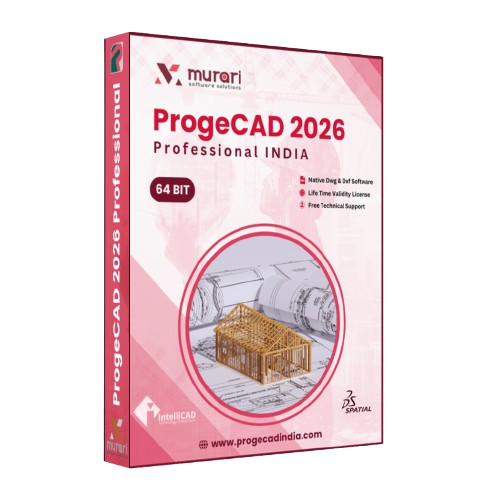
ProgeCAD 2026 package
What's New in 2026
- AI Assisted Drafting
- Improved DWG Compatibility
- Enhanced 3D Rendering
- Advanced BIM Support
- Improved Layer Management
- Optimised Performance
- Enhanced PDF Import
- Better Hardware Acceleration
- Smarter Block Libraries
- Hundreds of Stability Improvements
System Requirements
Download Details
Version: 2026 Professional
File Size: 920 MB
Language: English
Licence: Trial
Platform: Windows 64-bit
Installer: Offline Setup
See ProgeCAD 2026 in action
Frequently Asked Questions
What is ProgeCAD 2026?
ProgeCAD 2026 is a professional CAD software designed for 2D drafting and 3D modelling with complete DWG compatibility for architects, engineers, manufacturers and construction professionals.
Is ProgeCAD 2026 compatible with AutoCAD® DWG files?
Yes. ProgeCAD 2026 supports the latest DWG file formats, allowing you to open, edit, save and share drawings without compatibility issues.
Does ProgeCAD 2026 support Windows 11?
Yes. It is fully compatible with Windows 11 (64-bit) and Windows 10 (64-bit).
Is a free trial available?
Yes. You can download a fully functional 15-day evaluation version of ProgeCAD 2026.
What are the minimum system requirements?
Windows 10/11 (64-bit), Intel Core i5 or AMD Ryzen 5, 8 GB RAM, DirectX-compatible graphics card and at least 5 GB of free disk space.
Can I upgrade from an older version?
Yes. Existing users can upgrade to ProgeCAD 2026 while continuing to use their existing project files.
Does ProgeCAD 2026 support PDF import?
Yes. Enhanced PDF import and export tools make collaboration much easier.
Which industries use ProgeCAD 2026?
Architecture, Civil Engineering, Mechanical Engineering, Manufacturing, Construction, Interior Design, Surveying and Education.
How do I activate my licence?
Install the software, enter your serial number and complete the activation process using the built-in activation wizard.
Can I use ProgeCAD 2026 for commercial projects?
Yes. A licensed version of ProgeCAD 2026 can be used for commercial drafting, engineering, manufacturing and architectural projects.
Ready to try ProgeCAD 2026?
Get your free 15-day trial download link now, or buy a perpetual licence with expert support from India.