ProgeCAD Download Guide: Features, Benefits & Installation Steps
02-Apr-2026
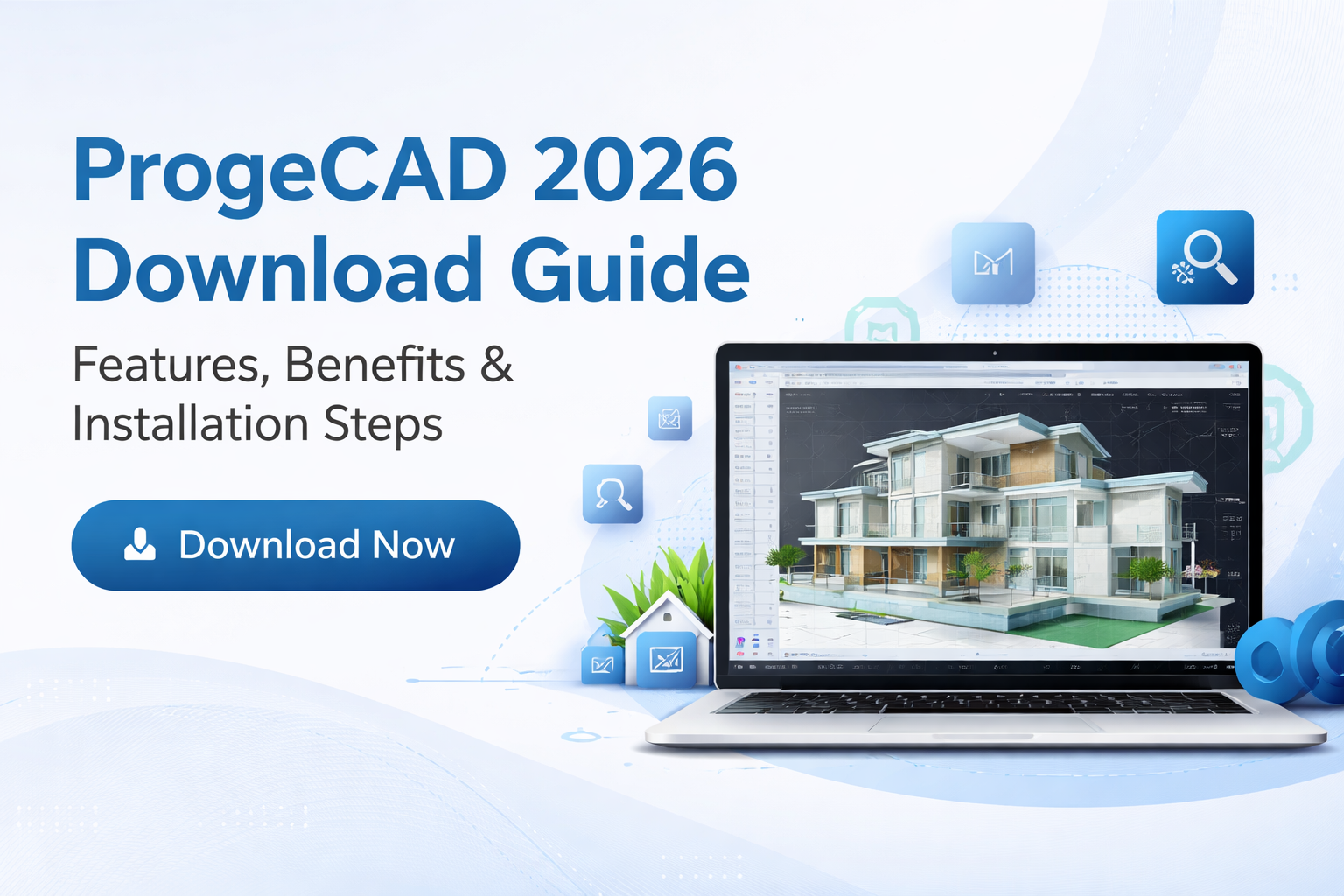
ProgeCAD 2026 Download Guide: Features, Benefits & Installation Steps
ProgeCAD 2026 is one of the most efficient and cost-effective CAD software solutions available for professionals in design, engineering, and architecture. As the need for powerful drafting tools continues to grow, users are increasingly searching for reliable software that delivers high performance without expensive subscription costs.
If you are planning a ProgeCAD download, this detailed guide will help you understand its features, benefits, system requirements, and installation steps.
What is ProgeCAD 2026?
ProgeCAD 2026 is a professional CAD software designed for both 2D drafting and 3D modeling. It works natively with DWG and DXF file formats, making it fully compatible with industry standards. This ensures that users can work seamlessly with existing drawings without any conversion issues.
The software is widely used by architects, engineers, and designers who require a stable and efficient CAD platform.
Top Features of ProgeCAD 2026
1. Native DWG Compatibility
ProgeCAD allows users to open, edit, and save DWG files directly. This ensures smooth collaboration and eliminates compatibility problems when working with clients or teams.
2. Advanced Drafting and Design Tools
The software includes a complete set of tools required for creating accurate 2D drawings and complex 3D models. These tools help improve productivity and precision.
3. PDF to DWG Converter
One of the most useful features is the ability to convert PDF files into editable CAD drawings. This reduces manual work and saves valuable time.
4. High Performance and Stability
ProgeCAD 2026 is optimized for better speed and performance. It can handle large and complex files efficiently without slowing down the system.
5. Built-in Plugins and Extensions
The software includes additional tools such as architectural design plugins, raster to vector conversion, and automation features.
Explore ProgeCAD Software
To experience all these features in real-time, you can visit the ProgeCAD software download page and get started instantly.
Benefits of Downloading ProgeCAD 2026
- Cost Savings: One-time purchase with no recurring subscription fees.
- User-Friendly Interface: Easy to learn and use, especially for AutoCAD users.
- High Productivity: Faster workflows with powerful tools.
- Wide Compatibility: Supports industry-standard file formats.
- Reliable Performance: Stable operation for professional projects.
System Requirements for ProgeCAD 2026
Before starting the ProgeCAD download, make sure your system meets the following requirements:
- Operating System: Windows 10 / 11 (64-bit)
- Processor: Intel Core i5 or higher
- RAM: Minimum 8 GB (16 GB recommended)
- Storage: At least 5 GB free space
- Graphics: Dedicated GPU recommended for 3D work
How to Download ProgeCAD 2026
Downloading ProgeCAD is quick and simple. Follow these steps:
- Visit the official ProgeCAD 2026 download page
- Fill in your details in the form
- Receive the download link instantly via email
- Download and run the installer
Installation Steps
- Open the downloaded setup file
- Follow the installation wizard instructions
- Accept license terms and choose installation location
- Complete the installation process
- Launch ProgeCAD and start using it
Why Choose ProgeCAD Over Other CAD Software?
ProgeCAD offers a perfect balance between performance and affordability. Unlike many CAD tools that require ongoing subscription payments, ProgeCAD provides a one-time licensing option, making it ideal for long-term use.
It is especially suitable for small businesses, freelancers, and professionals who want powerful CAD capabilities without high costs.
Conclusion
ProgeCAD 2026 is a reliable and efficient CAD software solution designed for modern professionals. With its advanced features, ease of use, and cost-effective pricing, it stands out as a strong choice in the CAD industry.
If you are looking for a professional CAD tool, now is the right time to try it.
Download ProgeCAD 2026 now and start working with powerful CAD software today.