ProgeCAD vs AutoCAD – Which is Better in 2026? Full Comparison
10-Apr-2026
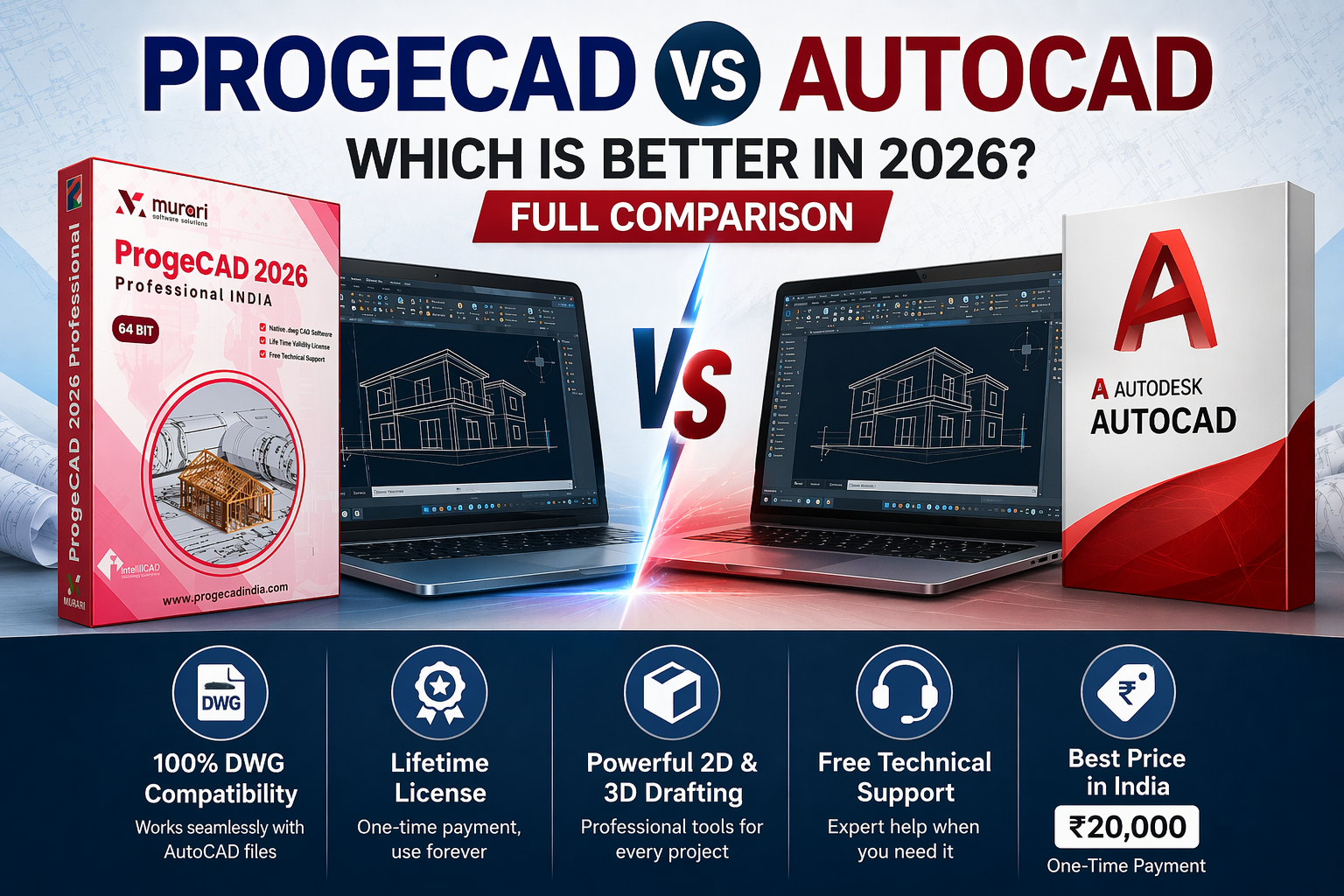
ProgeCAD vs AutoCAD – Which is Better in 2026? Full Comparison
If you are searching for the best CAD software, you might be confused between ProgeCAD and AutoCAD. Both tools are widely used for 2D drafting and 3D design.
In this detailed guide, we compare ProgeCAD vs AutoCAD based on price, features, performance, and licensing to help you choose the right software.
What is ProgeCAD?
ProgeCAD is a professional CAD software that offers full DWG compatibility. It is considered one of the best affordable alternatives to AutoCAD.
- One-time purchase (lifetime license)
- Supports 2D drafting and 3D modeling
- User-friendly interface similar to AutoCAD
What is AutoCAD?
AutoCAD is an industry-standard CAD software developed by Autodesk. It is widely used by professionals for advanced design and drafting work.
- Advanced tools and features
- Cloud integration
- Subscription-based pricing
ProgeCAD vs AutoCAD – Price Comparison
| Feature | ProgeCAD | AutoCAD |
|---|---|---|
| Pricing Model | One-time payment | Subscription |
| Cost | Affordable | Expensive |
| License | Lifetime | Monthly/Yearly |
ProgeCAD is more cost-effective for users in India.
Features Comparison
ProgeCAD Features
- Full DWG compatibility
- 2D drafting and 3D modeling
- PDF to DWG conversion
- Easy-to-use interface
AutoCAD Features
- Advanced design tools
- Automation features
- Industry-specific toolsets
- Cloud storage and collaboration
Performance & Ease of Use
ProgeCAD is lightweight and runs smoothly on most systems, while AutoCAD requires higher system resources.
Beginners often find ProgeCAD easier to learn compared to AutoCAD.
Licensing Difference
- ProgeCAD: Lifetime license (pay once, use forever)
- AutoCAD: Subscription-based (renew regularly)
Pros and Cons
ProgeCAD Pros
- Affordable pricing
- No recurring cost
- Beginner-friendly
ProgeCAD Cons
- Fewer advanced features than AutoCAD
AutoCAD Pros
- Industry standard
- Powerful advanced tools
AutoCAD Cons
- Expensive
- Requires subscription
FAQs
Is ProgeCAD better than AutoCAD?
ProgeCAD is better for users who want affordable CAD software. AutoCAD is suitable for advanced professional use.
Is ProgeCAD compatible with AutoCAD files?
Yes, ProgeCAD supports DWG files and works well with AutoCAD formats.
Which is cheaper, ProgeCAD or AutoCAD?
ProgeCAD is cheaper because it offers a lifetime license, while AutoCAD requires a subscription.
Can beginners use ProgeCAD?
Yes, ProgeCAD is easy to learn and suitable for beginners.
Conclusion
Both ProgeCAD and AutoCAD are powerful tools. If you want an affordable and easy-to-use solution, ProgeCAD is a great choice. For advanced and enterprise-level features, AutoCAD may be preferred.
Download Today