
ProgeCAD 2016 New Features and Enhancements | Complete Feature Overview
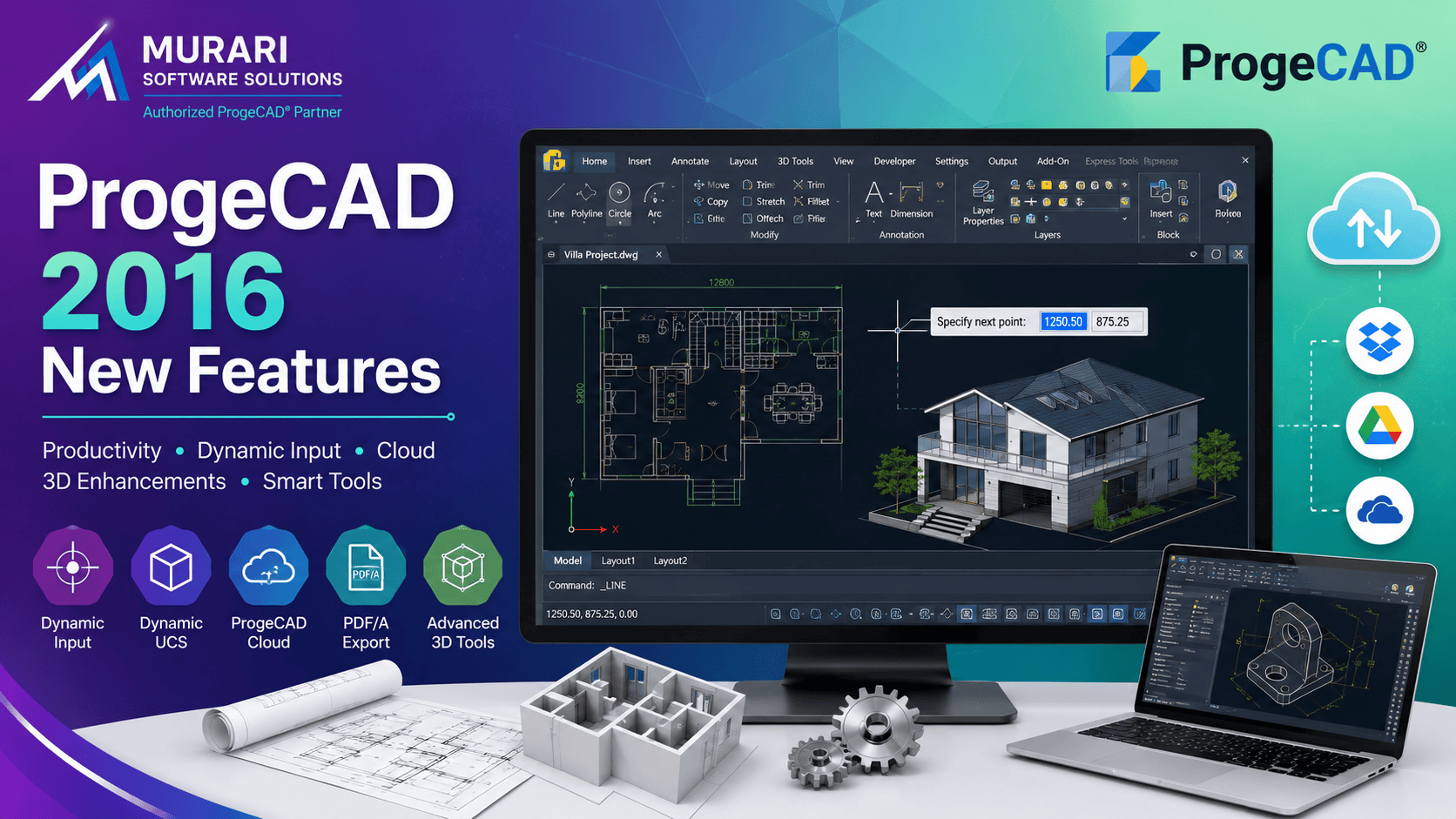
ProgeCAD 2016 New Features and Enhancements
ProgeCAD 2016 introduced several important improvements that significantly enhanced drafting, 3D modeling, annotation, and productivity. While newer versions of ProgeCAD include additional capabilities, many professionals still use or upgrade from ProgeCAD 2016 and want to understand the features introduced in this release.
Built on native DWG technology, ProgeCAD 2016 delivered faster workflows, improved 3D tools, enhanced annotation capabilities, and better compatibility with industry-standard CAD files. Below are the major enhancements introduced in ProgeCAD 2016.
ProgeCAD Cloud Integration
ProgeCAD Cloud made it possible to save, open, and share drawings using popular cloud storage services. Users could easily collaborate with team members by accessing project files from Dropbox, Google Drive, and Microsoft OneDrive without manually transferring files.
Dynamic Input
Dynamic Input allows users to enter dimensions, distances, angles, and command options directly at the cursor. Instead of constantly moving between the drawing area and command line, users can complete drafting operations much faster while maintaining focus on the design.
Dynamic UCS for Faster 3D Drafting
Dynamic User Coordinate System (Dynamic UCS) automatically detects the face of a 3D object and temporarily aligns the drawing plane. This removes the need to manually redefine the UCS while working on complex 3D models, greatly improving productivity.
Advanced Solid Grips
ProgeCAD 2016 introduced intelligent grip editing for 3D solids. Designers can quickly resize and reshape primitive solids while maintaining their geometry, making 3D modifications easier than previous versions.
3D Ortho Mode
Besides the traditional X and Y orthogonal drawing modes, ProgeCAD 2016 introduced Z-axis orthogonal movement, making it much easier to create and edit objects vertically in 3D space.
Annotative Objects
Annotative scaling automatically adjusts the size of drawing annotations according to viewport scale. Supported objects include text, multiline text, dimensions, hatches, blocks, tolerances, and block attributes, ensuring drawings remain readable across different layouts.
Drawing Fields
Drawing Fields automate repetitive text such as project names, dates, drawing numbers, company information, and title block data. Whenever source information changes, linked fields update automatically, reducing manual editing and improving drawing accuracy.
Arc Aligned Text
Using the ARCTEXT command, users can place text along curved paths and arcs. This feature is especially useful for signage, logos, mechanical drawings, and architectural layouts.
BREAKLINE Command
The BREAKLINE command creates standard breakline symbols quickly by specifying start and end points. It simplifies the creation of technical drawings where interrupted views are required.
PDF/A Export
ProgeCAD 2016 added support for PDF/A, the internationally recognized archive format for long-term document preservation. This feature is particularly useful for engineering firms, government departments, and organizations that require archival-quality documentation.
CHSPACE Command
The Change Space (CHSPACE) command allows users to move drawing objects between Model Space and Paper Space while automatically adjusting their scale. This eliminates manual resizing and improves layout management.
Improved Draw Order Controls
Enhanced draw order tools provide better control over overlapping objects, making it easier to arrange hatches, blocks, text, images, and other entities within complex drawings.
Autocomplete Command Entry
Command autocomplete helps users quickly locate commands and system variables as they type, improving drafting speed and reducing typing errors, especially for experienced CAD professionals who prefer keyboard-based workflows.
Why These Features Still Matter
Many of the capabilities introduced in ProgeCAD 2016 remain part of modern ProgeCAD releases. Features such as Dynamic Input, Dynamic UCS, Cloud integration, Drawing Fields, Annotative Objects, PDF/A export, and improved 3D editing continue to enhance productivity for engineers, architects, manufacturers, surveyors, and designers working with DWG files.
Download ProgeCAD 2016 Free Trial
Want to experience the features introduced in ProgeCAD 2016? You can download the official ProgeCAD 2016 free trial and evaluate its DWG compatibility, 2D drafting tools, 3D modeling capabilities, Dynamic Input, Cloud integration, PDF/A export, and other productivity enhancements before upgrading to a newer version.
Download ProgeCAD 2016 Free Trial
Upgrade to the Latest ProgeCAD Version
If you are currently using ProgeCAD 2016, upgrading to the latest version provides additional performance improvements, support for newer DWG formats, enhanced compatibility, modern user interface updates, and many new productivity tools while maintaining the familiar workflow that ProgeCAD users appreciate.