
ProgeCAD 2025: Is It Still Available? Download, Price & Compatibility
Looking for ProgeCAD 2025? Download, Price & Compatibility Guide
If you are searching for ProgeCAD 2025, you may be looking for the original installer, historical pricing, compatibility information or details about continuing to use an existing license. ProgeCAD 2025 remains relevant for users working with an existing installation or legacy project environment, while ProgeCAD 2027 is now the current release.
This guide brings together the information users typically need when looking for ProgeCAD 2025 download and ProgeCAD 2025 price, while also explaining how the software has progressed to the current version.
Is ProgeCAD 2025 Still Available?
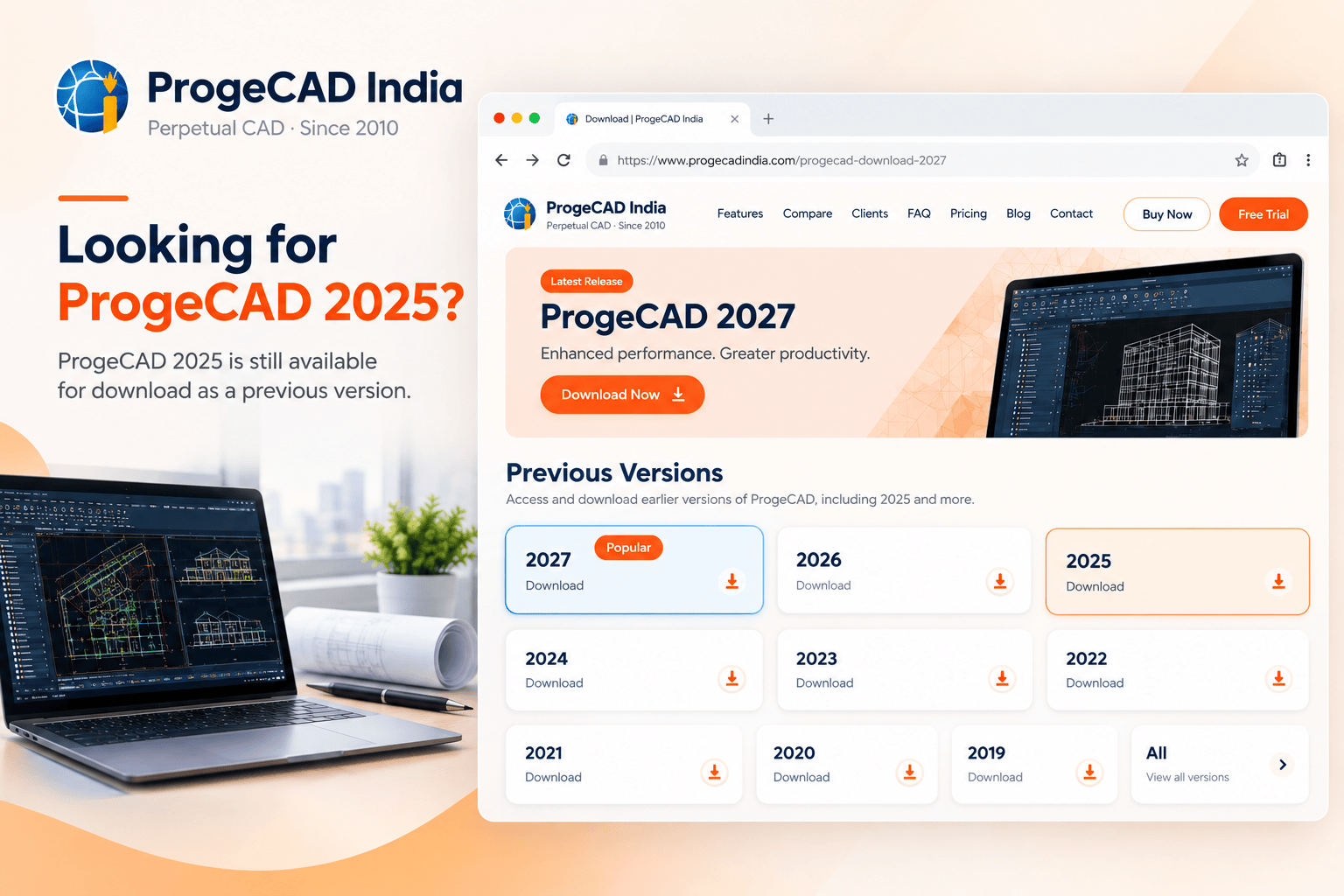
Yes. ProgeCAD 2025 is still listed as a previous version on the official ProgeCAD India download page. The availability of an older installer is useful for customers maintaining existing projects, installations or license environments that were built around an earlier ProgeCAD release.
The current ProgeCAD download page provides access to ProgeCAD 2027 as the latest version as well as selected previous releases, including ProgeCAD 2025. This means users searching specifically for the older version do not necessarily need to move immediately to a newer installer simply because a newer release exists.
If you need the latest version instead, you can visit the ProgeCAD 2027 download page .
ProgeCAD 2025 Download: Availability and Installation
The ProgeCAD 2025 download is intended for users who specifically require the 2025 release. This can include existing ProgeCAD customers, organizations maintaining older CAD environments and users who need consistency with an established project workflow.
Before installing an older version, it is worth checking the Windows environment, existing license information and the compatibility requirements of your current CAD projects.
When an Earlier Version Can Be Useful
- Maintaining an existing ProgeCAD 2025 installation.
- Working with an established project environment.
- Keeping a consistent CAD setup across a project team.
- Testing drawings against a particular software version.
- Maintaining compatibility with an existing workflow or configuration.
Users who do not specifically need the 2025 release can also evaluate the latest ProgeCAD version before deciding which version is appropriate for their workflow.
ProgeCAD 2025 Price and Licensing Options
One of the most common searches around the older release is ProgeCAD 2025 price. Pricing for a particular historical release can depend on when the license was purchased, the license type and whether the customer is purchasing a new license or upgrading an existing license.
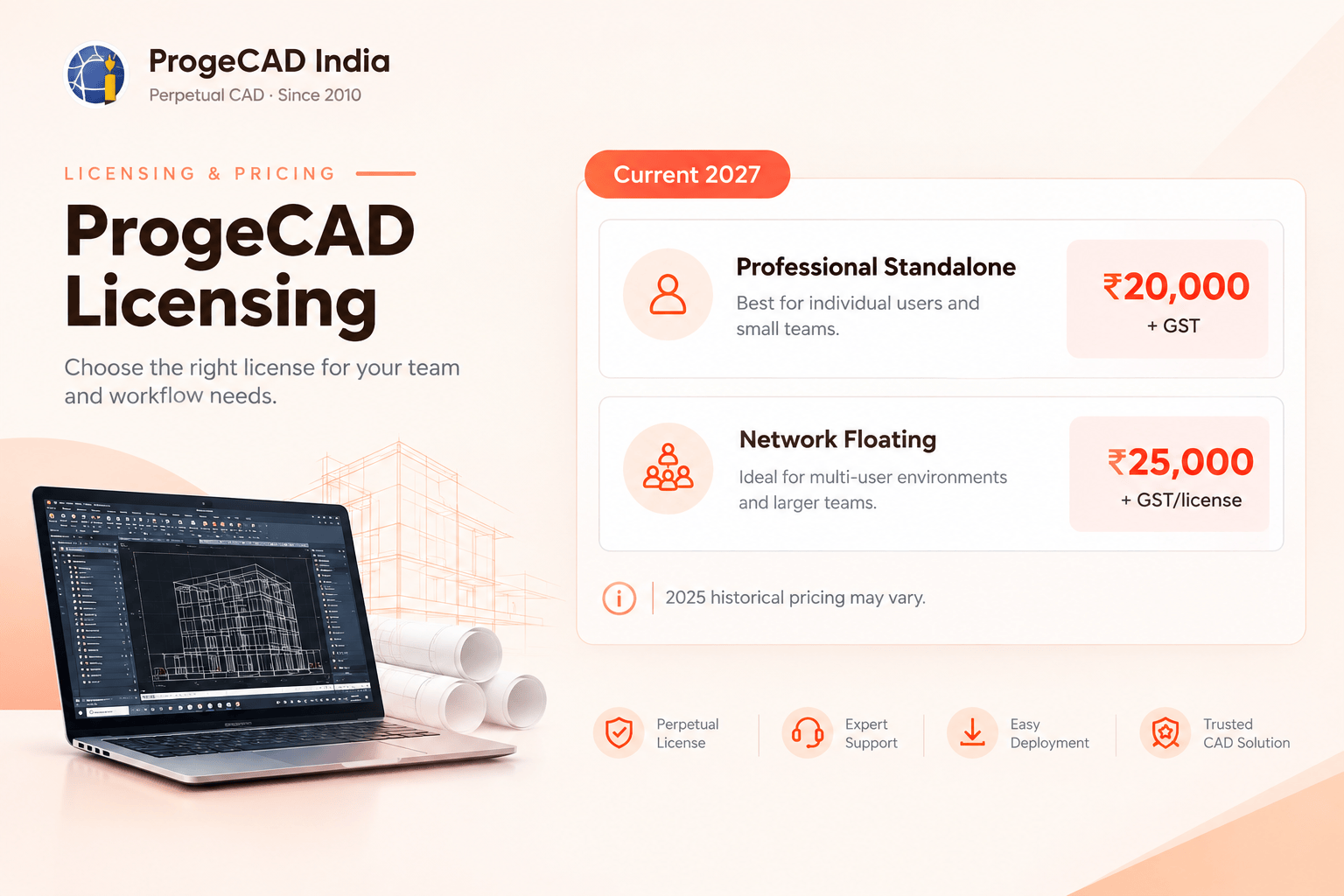
For this reason, historical pricing should not be confused with the current ProgeCAD 2027 pricing.
The current ProgeCAD India pricing page lists ProgeCAD 2027 Professional Standalone License at ₹20,000 + 18% GST. The Network Floating License is listed at ₹25,000 + 18% GST per license, with a minimum purchase of three licenses.
For the latest license options and pricing, see the ProgeCAD pricing and Buy Now page .
What Made ProgeCAD 2025 Relevant?
ProgeCAD 2025 was designed as a professional CAD platform for users working with 2D drafting, 3D modeling and DWG-based workflows. Its relevance goes beyond a version number because CAD users often need to maintain established drawings, templates, blocks, references and customized workflows over several years.
ProgeCAD supports professional drafting workflows and DWG-based project environments, making version continuity important for organizations that maintain long-running engineering, architectural and design projects.
Typical ProgeCAD Workflows
- Architectural drafting and documentation
- Civil and structural drawings
- Mechanical design and detailing
- Interior and construction drawings
- Engineering documentation
- Editing and maintaining DWG drawings
Using ProgeCAD 2025 Today: Compatibility and DWG Support
For users who already have ProgeCAD 2025 installed, the most important question is often whether the existing CAD workflow can continue without disruption.
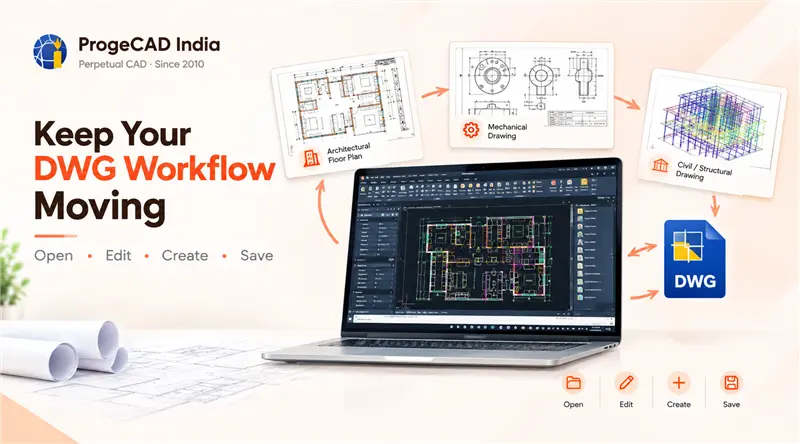
ProgeCAD is designed around DWG-based CAD workflows, allowing users to create, open, edit and save DWG drawings. This makes it suitable for professionals who need to continue working with existing CAD files rather than rebuilding their drawing environment from scratch.
However, when working with projects created across different software releases, users should test important production drawings, external references, custom routines and other project-specific components before making a version change.
What Happened After ProgeCAD 2025?
ProgeCAD continued to receive new releases after 2025. ProgeCAD 2026 followed the 2025 version, and ProgeCAD 2027 is now the current release.
This progression matters for users who are researching ProgeCAD 2025 today. An older version may still be useful for an existing installation, but users purchasing CAD software for a new project may also want to evaluate the latest release and its newer capabilities.
ProgeCAD 2027 was released with the IntelliCAD 14.1 engine and includes improvements such as faster object snapping, enhanced drawing performance, Flex License support, a COMPARE command, floating drawing windows, improved PDF-to-CAD functionality and enhanced BIM capabilities.
ProgeCAD 2025 vs ProgeCAD 2027: What Has Changed?
ProgeCAD 2027 is not simply a new number. The current release is built on the IntelliCAD 14.1 engine and introduces several improvements aimed at everyday drafting speed, drawing comparison, multi-monitor work, licensing flexibility, BIM, GIS, PDF conversion and customization.
The comparison below focuses on documented release differences rather than suggesting that one version is suitable for every user.
| Area | ProgeCAD 2025 | ProgeCAD 2027 |
|---|---|---|
| Release status | Previous release | Current release |
| Core engine | IntelliCAD 12.1 | IntelliCAD 14.1 |
| DWG-based CAD | Yes | Yes |
| 2D drafting | Yes | Yes, with newer productivity improvements |
| 3D modeling | Yes | Yes |
| Performance focus | Faster drawing opening and other 2025 improvements | Up to 63% faster snapping, 2× faster Copy, 12× faster Break and 30× faster Copy to Clipboard in documented scenarios |
| Drawing comparison | Not the 2027 COMPARE workflow | New COMPARE command for identifying drawing changes |
| License mobility | Earlier licensing workflow | Flex License supports moving an active license between PCs online |
| Multiple monitors | Standard drawing-window workflow | Floating Drawing Windows for separate monitor workflows |
| PDF-to-CAD | PDF import capabilities | Revamped PDF2CAD workflow plus geospatial PDF export support |
| GIS / map services | Existing mapping capabilities | New Esri ArcGIS basemap options through GEOMAP |
| Revit BIM import | Revit files up to 2024 | RVT/RFA support for Revit 2026 |
| Visual LISP | Existing LISP/customization capabilities | New VLISP environment, debugger workflow and support for .vlx/.fas applications |
| 2D Isometric drafting | Existing drafting methods | New ISODRAFT environment |
| Raster Draw | Existing raster capabilities | Expanded Raster Draw command suite and reliability improvements |
The practical difference is therefore most noticeable for users who can benefit from newer performance improvements or newer workflows such as drawing comparison, flexible license transfer, multi-monitor drawing windows, updated BIM import, GIS basemaps and enhanced LISP/customization tools.
The right version depends on the user's requirements. Someone maintaining an existing ProgeCAD 2025 environment may prefer to continue with that installation, while a new customer may want to evaluate the current release.
Upgrading from ProgeCAD 2025 to the Current Version
Existing ProgeCAD customers may have the option to upgrade an eligible previous license to a newer version. The current ProgeCAD India pricing page lists a ProgeCAD license upgrade option for eligible previous licenses.
If you already own ProgeCAD 2025, keep your previous license key and product information available when checking upgrade eligibility. Licensing terms and upgrade pricing can change, so it is best to confirm the applicable option before purchasing.
For users considering an upgrade, the ProgeCAD 2027 download page provides access to the current release and its free trial.
ProgeCAD Version Information: 2025, 2026 and 2027
Searching for an older ProgeCAD version is not unusual in professional CAD environments. Engineering and architecture projects can remain active for years, and organizations may need to maintain a specific software configuration for existing work.
ProgeCAD India's download archive provides access to multiple previous versions, allowing users to identify the release that matches their existing requirements.
If you are specifically looking for ProgeCAD 2025 download, you can access the previous-version downloads through the ProgeCAD download archive .
Looking for the Latest ProgeCAD Version?
ProgeCAD 2027 is the current release. Try the latest version before deciding whether it fits your existing CAD workflow.
Download ProgeCAD 2027Frequently Asked Questions About ProgeCAD 2025
Is ProgeCAD 2025 still available?
Yes. ProgeCAD 2025 is listed as a previous version on the ProgeCAD India download archive. Availability is intended for users who require an earlier release.
Where can I download ProgeCAD 2025?
ProgeCAD 2025 can be accessed through the official ProgeCAD India previous-version download archive.
What was the ProgeCAD 2025 price?
Historical ProgeCAD 2025 pricing can depend on the license type, purchase date and applicable commercial terms. Users should not assume that historical pricing is the same as the current 2027 price.
What is the latest version of ProgeCAD?
ProgeCAD 2027 is currently the latest ProgeCAD release.
Can I upgrade from ProgeCAD 2025 to ProgeCAD 2027?
Eligible existing ProgeCAD customers may have access to an upgrade option. Eligibility and pricing should be confirmed based on the existing license.
Does ProgeCAD support DWG files?
Yes. ProgeCAD is designed for DWG-based CAD workflows and supports creating, opening, editing and saving DWG drawings.
Related: ProgeCAD Price in India | ProgeCAD License Types | ProgeCAD for Architecture