
ProgeCAD Software Free Download: Is ProgeCAD Free or Paid?
ProgeCAD Software Free Download: Is ProgeCAD Free or Paid?
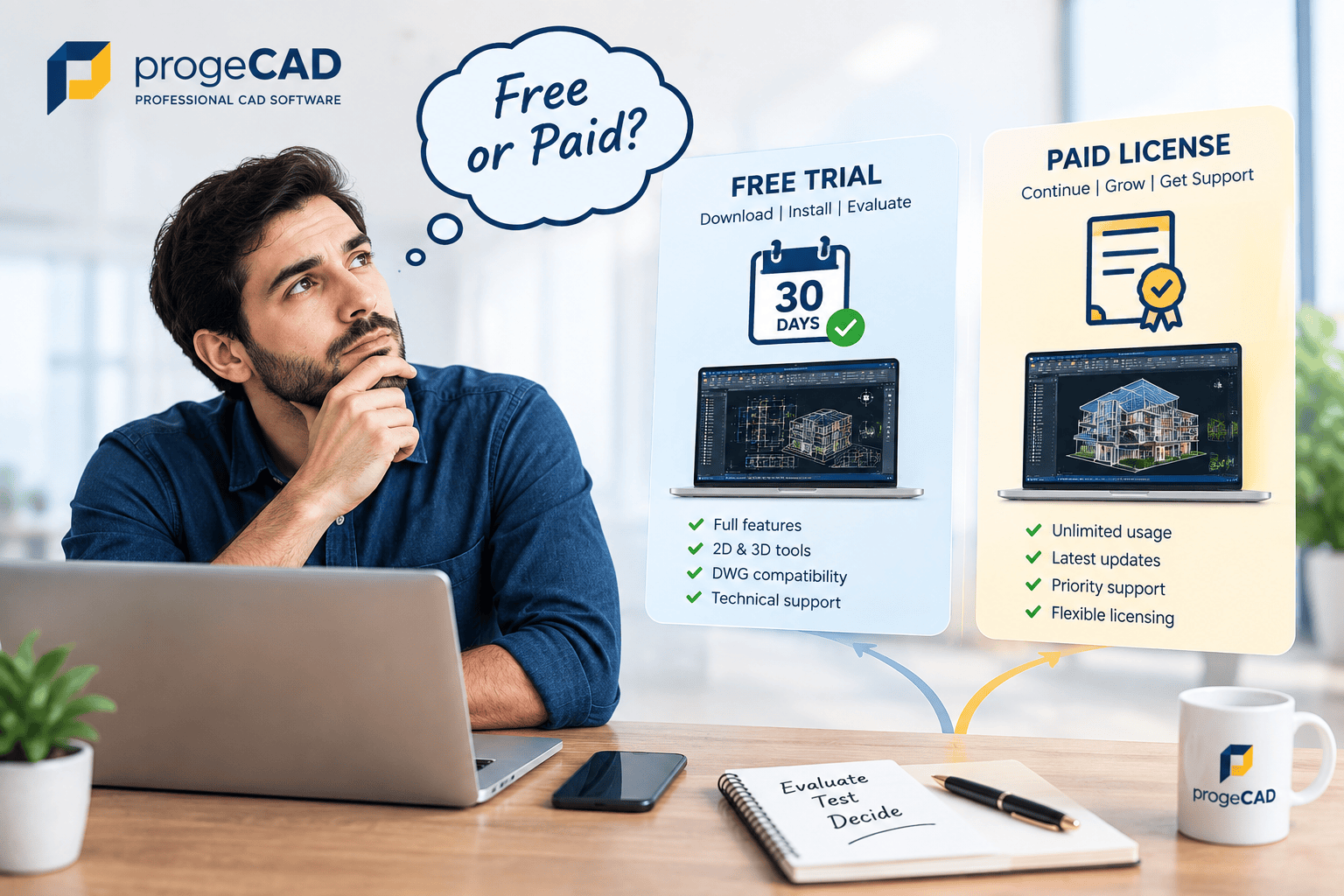
If you are searching for a ProgeCAD software free download, it is important to understand the difference between downloading the software, using the free trial and purchasing a ProgeCAD license. ProgeCAD is professional CAD software available for evaluation through a free trial, while continued professional use requires a valid license.
This guide explains what the ProgeCAD free trial includes, how trial extensions work, what you should evaluate before purchasing and how ProgeCAD licensing works.
Is ProgeCAD Free Software?
ProgeCAD is professional commercial CAD software and is not available as a permanently free version. However, users can download ProgeCAD and evaluate the software through the available free trial before deciding whether to purchase a license.
This means that a search for ProgeCAD software free download should not be interpreted as a search for a permanently free CAD program. The free download provides an opportunity to evaluate ProgeCAD before making a licensing decision.
In simple terms: ProgeCAD can be downloaded for a free trial, but the professional software requires a license for continued use after the trial period.
What Does "ProgeCAD Software Free Download" Mean?
The phrase "free download" can mean different things when searching for CAD software. With ProgeCAD, the download gives users access to the software for evaluation through the available trial period.
- Free download: Download the ProgeCAD installer for evaluation.
- Free trial: Use ProgeCAD during the available trial period to evaluate its capabilities.
- Trial extension: Additional evaluation time may be available depending on the user's requirements and licensing needs.
- Paid license: A valid license is required for continued professional use after the trial.
If you are specifically looking for the current ProgeCAD download, you can use the official ProgeCAD 2027 download page.
How Does the ProgeCAD Free Trial Work?
The ProgeCAD free trial allows users to evaluate the software before purchasing a license. The standard trial period is 30 days, giving professionals and organizations time to test ProgeCAD with their own CAD workflows.
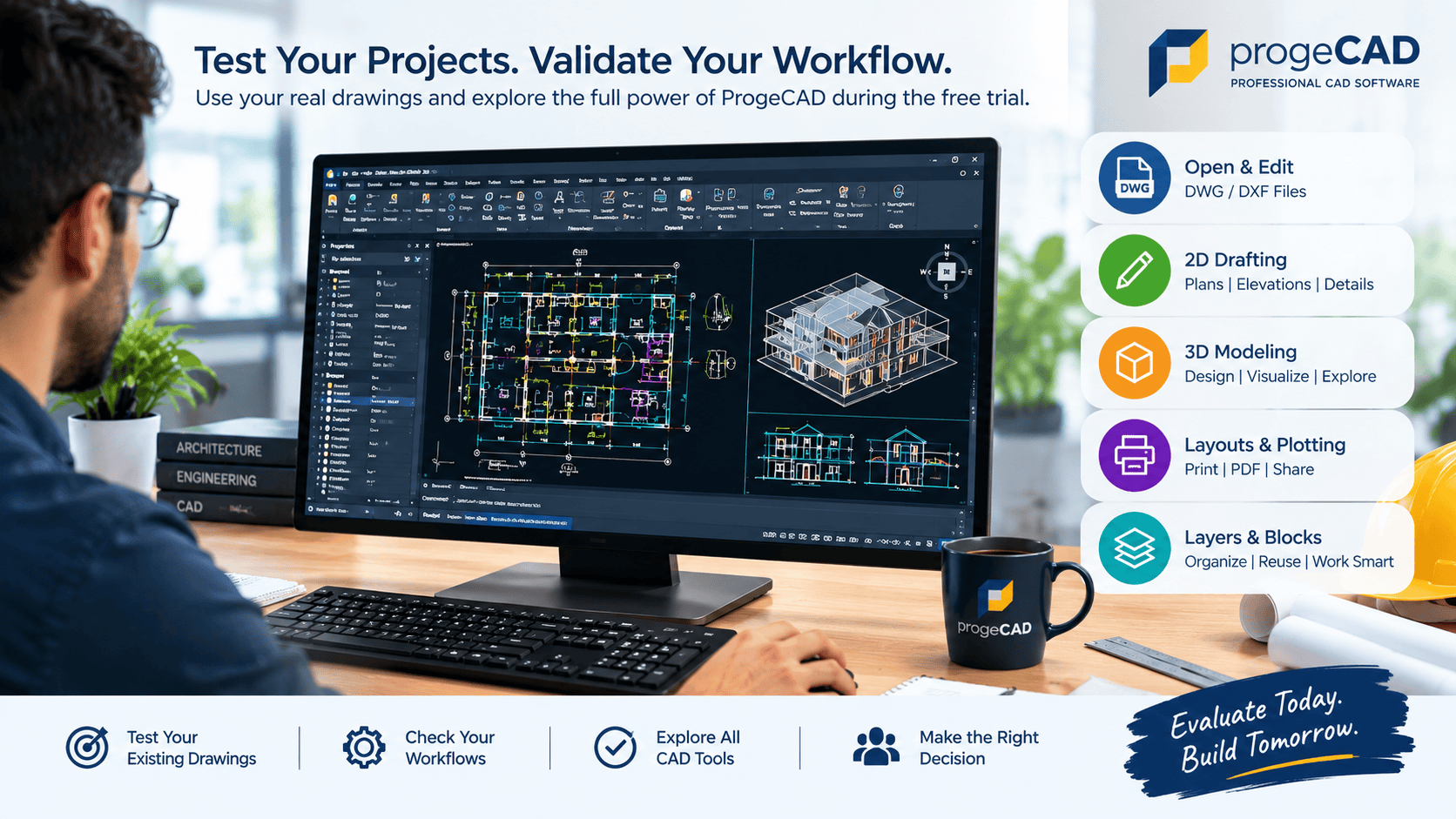
Instead of evaluating the software only with sample drawings, users can test the features and workflows that are important to their daily work.
- Open and work with existing DWG drawings.
- Create and edit 2D CAD drawings.
- Explore 3D modeling capabilities.
- Test layers, blocks and layouts.
- Evaluate PDF-to-CAD workflows.
- Test printing and plotting requirements.
- Evaluate LISP and other supported CAD workflows.
- Test ProgeCAD with representative company projects.
Can the ProgeCAD Free Trial Be Extended?
If the standard trial period is not sufficient to complete an evaluation, users can contact ProgeCAD India to discuss their requirements.
Additional trial time may be considered depending on factors such as the user's evaluation requirements, licensing needs and company or organizational requirements. Trial extensions are therefore handled based on the specific situation rather than being an automatic extension for every user.
Need additional evaluation time? Contact the ProgeCAD India team and explain your project, company or licensing requirements. The team can advise you about the available options.
Who May Need a ProgeCAD Trial Extension?
Some users need more time to evaluate CAD software because their purchasing decision involves projects, teams or multiple users. Additional evaluation time may be useful for:
- Individual CAD professionals: Users who need more time to test ProgeCAD with their regular drawings.
- Engineering companies: Organizations evaluating ProgeCAD before selecting a CAD solution.
- Architecture and design firms: Teams that need to test drawing workflows and project compatibility.
- CAD teams: Organizations evaluating ProgeCAD for multiple users or departments.
- Businesses migrating CAD workflows: Companies that need time to test existing projects, templates and workflows.
The appropriate trial period can depend on the scope of the evaluation and the licensing requirements of the user or organization.
What Should You Test During the ProgeCAD Trial?
A free trial is most useful when you evaluate ProgeCAD using real-world drawings and workflows. Before purchasing a license, consider testing the features that your team uses most frequently.
Test Existing DWG Files
Open representative DWG files from your existing projects and check how your drawings work within the ProgeCAD environment.
Test 2D Drafting
Create and edit plans, elevations, sections, details and other technical drawings to evaluate the drafting workflow.
Test Layers and Blocks
Check your existing layers, blocks and drawing standards to see how they fit into your ProgeCAD workflow.
Test Layouts and Plotting
Test layouts, page setups, printing and PDF output using the paper sizes and plotting standards used by your organization.
Test PDF-to-CAD Workflows
If your work involves converting PDF drawings into editable CAD content, use representative files to evaluate the PDF-to-CAD workflow.
Test 3D Modeling
If your projects require 3D work, create or open representative models and evaluate the available 3D modeling tools.
Test LISP and Existing Workflows
If your organization uses LISP routines or customized CAD workflows, test the routines and processes that are important to your daily work.
ProgeCAD Free Trial vs Licensed ProgeCAD
| Feature | Free Trial | Licensed ProgeCAD |
|---|---|---|
| Software download | Yes | Yes |
| Software evaluation | Yes | Not applicable |
| Trial period | Limited | Not applicable |
| 2D drafting | Available for evaluation | Available |
| 3D modeling | Available for evaluation | Available |
| DWG/DXF workflows | Available for evaluation | Available |
| Trial extension | May be available based on requirements | Not applicable |
| Continued professional use | Requires a license | Yes |
Why Should You Download ProgeCAD From the Official Website?
When searching for a ProgeCAD software free download, you may find software-download websites offering different versions of CAD software. For the official ProgeCAD installer and current trial information, it is best to use the ProgeCAD India website.
Downloading from the official website helps you access the appropriate software version, trial information and licensing support from the ProgeCAD India team.
Avoid relying on unauthorized copies, modified installers, cracks or key generators. These are not substitutes for the official ProgeCAD trial or licensed software.
ProgeCAD 2027 Free Trial
ProgeCAD 2027 is the current major ProgeCAD release. Users interested in evaluating the latest version can use the official ProgeCAD 2027 download and trial process.
During evaluation, users can test ProgeCAD with their own drawings and workflows to determine whether the software meets their technical and business requirements.
For detailed information about the latest release, see our ProgeCAD 2027 features and improvements guide.
What Happens After the ProgeCAD Free Trial?
After completing the trial evaluation, users who want to continue using ProgeCAD for professional work can select an appropriate license.
The licensing requirement depends on how ProgeCAD will be used, including individual, network or organizational requirements. Businesses evaluating multiple licenses can discuss their requirements with the ProgeCAD India team.
For current licensing and pricing information, visit the ProgeCAD pricing and purchase
Frequently Asked Questions About ProgeCAD Free Download
Is ProgeCAD completely free?
No. ProgeCAD is professional commercial CAD software. A free trial is available so users can evaluate the software before purchasing a license.
Is there a free version of ProgeCAD?
ProgeCAD does not offer a permanently free professional version. Users can download and evaluate the software through the available free trial.
How long is the ProgeCAD free trial?
The standard ProgeCAD free trial is 30 days.
Can I extend my ProgeCAD trial?
If additional evaluation time is required, you can contact ProgeCAD India. Trial extensions may be considered based on your requirements, licensing needs and company or organizational requirements.
Can companies request additional ProgeCAD evaluation time?
Yes. Companies can contact ProgeCAD India to discuss their evaluation requirements and licensing needs. Additional trial time may be considered based on the specific situation.
Do I need a license after the ProgeCAD trial?
Yes. Continued professional use of ProgeCAD requires a valid license after the trial period.
Conclusion
Searching for a ProgeCAD software free download can be confusing because downloading the software and using it for a trial does not mean that ProgeCAD is permanently free software. ProgeCAD provides a free trial so individuals and organizations can evaluate the software before purchasing a license.
Use the trial period to test ProgeCAD with your actual CAD drawings, workflows and project requirements. If you need additional time for evaluation, contact ProgeCAD India to discuss your requirements and available trial options.
Ready to evaluate ProgeCAD? Start with the official ProgeCAD download and trial process.